ChatGPT Space Rolls Out to Plus: Pages, Slides & Sharing Limits
OpenAI expanded ChatGPT Space to $20/month Plus users on Nov 20, 2026. Here is what works across Pages, Slides, auto-updates, and sharing limits.
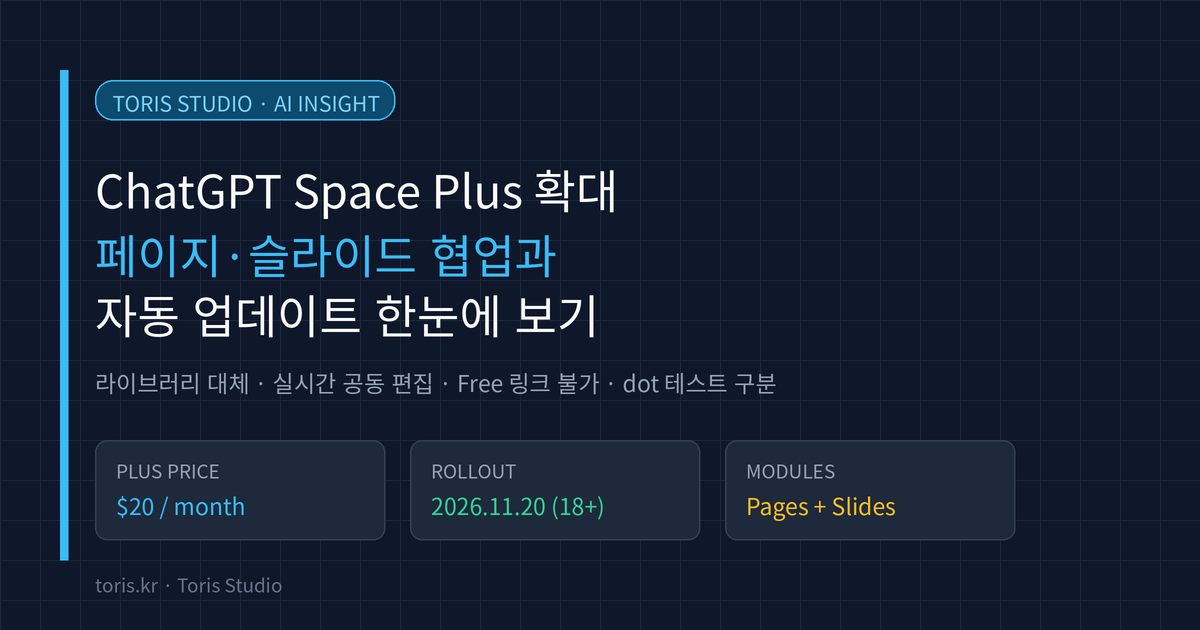
Q. What changes first when ChatGPT Space rolls out to Plus? Paying $20/month Plus subscribers (ages 18 and older) can open Space in the sidebar instead of Library to build interactive pages and presentation slides, and invite other paid users with Space access to co-edit in real time. You can also set pages and slides to update automatically from connected apps and tools.
⚠️ Accuracy guardrail: This guide was verified directly against the OpenAI Help Center release notes (November 20, 2026) and official Space, Slides, and Plus documentation as of November 21, 2026. Rollout to Plus accounts is gradual depending on account and app version, and
dottesting eligibility or upcomingSheetsavailability may change under OpenAI policy.
30-second summary
- Availability and rollout: Starting November 20, 2026, ChatGPT Space is rolling out globally to ChatGPT Plus ($20/month) users ages 18+, supporting page creation and editing on web, desktop, iOS, and Android.
- Replaces Library, keeps Projects separate: Space replaces
Libraryas your home for pages, slides, images, and uploaded files, while existing Projects remain separate. - Real-time collaboration and sharing limits: Tag
@ChatGPTin comments to request edits and collaborate in real time. Public links are not available, and Free accounts cannot open shared pages or slides. - Plus limits and exceptions: Even if you hit your Plus message limit, you can still edit pages and slides manually.
dotcollaboration is standard on Pro and above, while a select group of Plus users is currently in testing.
What changed with ChatGPT Space
ChatGPT Space turns scattered chat outputs into a persistent workspace where documents and decks stay current. Originally launched in late September 2026 for Pro, Business, and Enterprise, Space expanded to $20/month Plus subscribers on November 20, 2026.
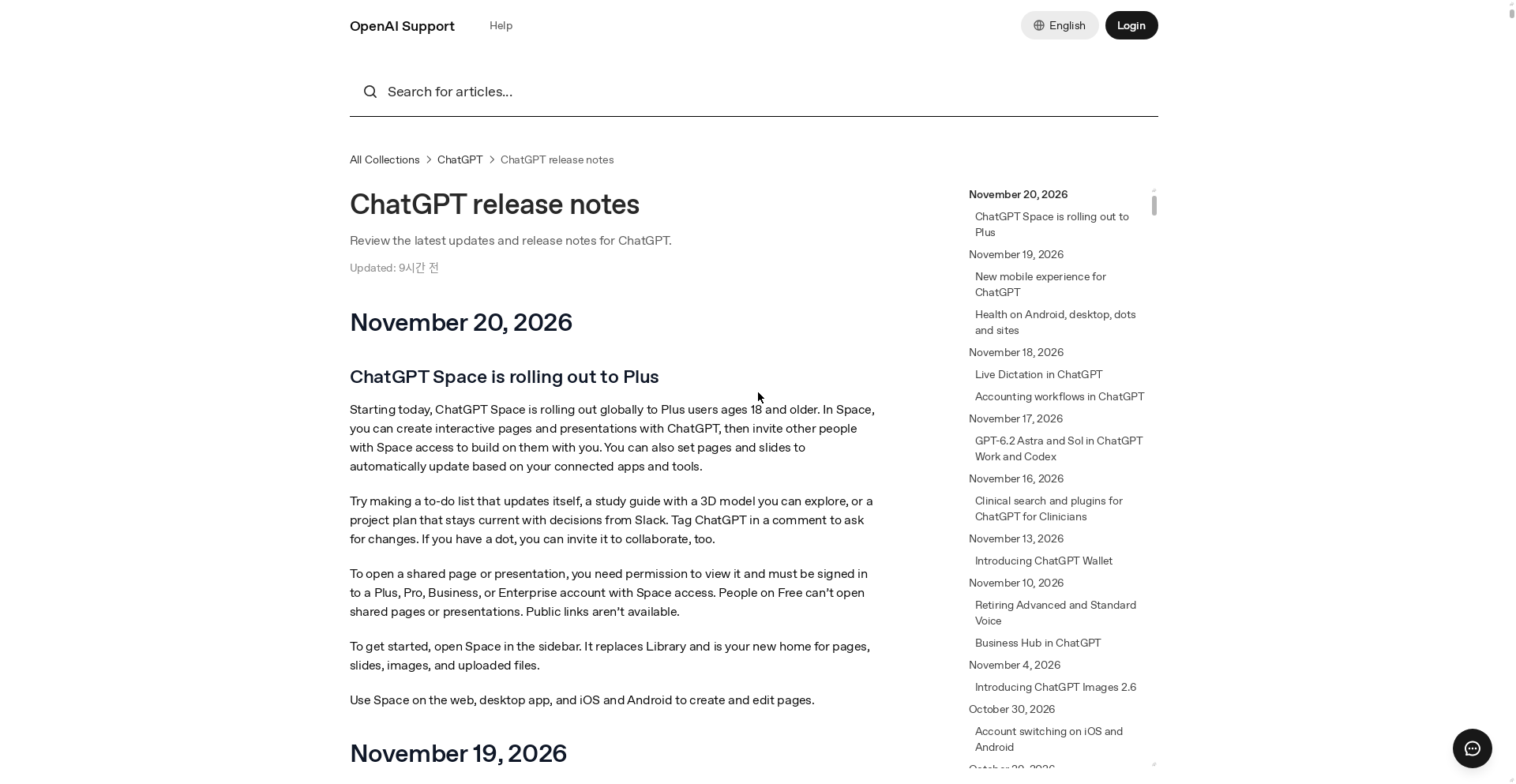
The most visible UI change is in the sidebar: once Space arrives on your account, it replaces Library and gathers your Pages, Slides, generated images, and uploaded files in one place.
Your existing Projects stay intact and separate. Project chats, custom instructions, and project files remain under Projects, while Space acts as the shared workspace where you turn conversations into living documents.
What you can actually do with Pages and Slides
Space is built around keeping interactive documents and presentations up to date with teammates and ChatGPT.
- Interactive pages: Build a study guide with an interactive 3D model, a self-updating to-do list, or a project plan synced with decisions from Slack.
- Automatic updates: Configure pages and slides to refresh automatically based on changes in your connected apps and tools.
- Comment-based edits: Highlight text, leave a comment, and tag
@ChatGPTto revise specific parts in context. - Manual editing past message limits: If you reach your Plus message cap, you can still edit pages and slides directly by hand.
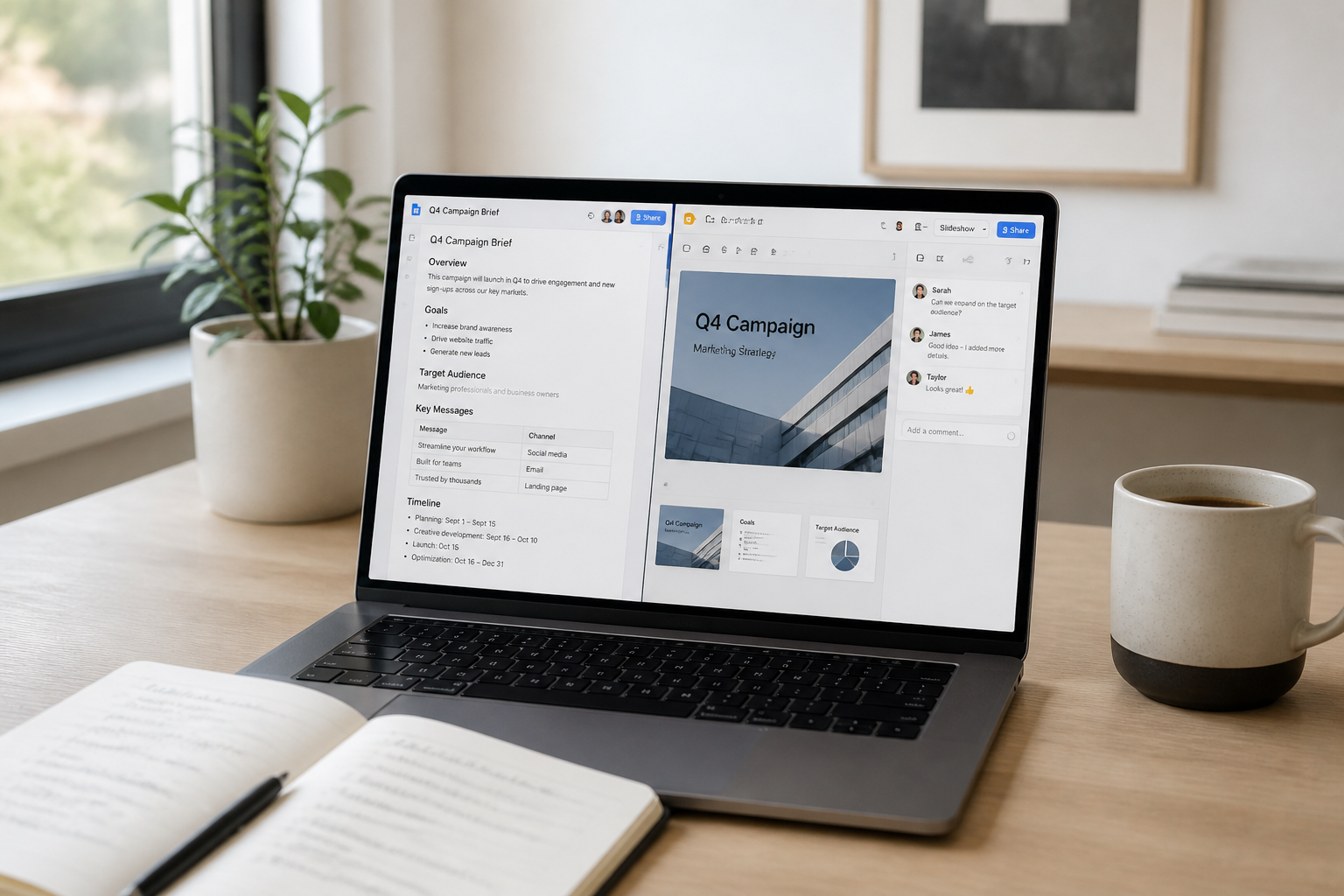
ChatGPT Slides is also rolling out to eligible Plus accounts with Space access. On the web, you can export decks to PowerPoint (.pptx), PDF, or Google Slides; in the desktop app, you can open decks directly in PowerPoint or Keynote if installed. On Windows devices missing the required MXC component (Windows 10 or unsupported Windows 11 setups), the desktop app falls back to local .pptx files instead of collaborative Slides, so using the web or cloud mode works better there.
Space vs. Projects and plan differences
Here is how Space compares with Projects and how features split across Free, Plus, and Pro tiers based on official documentation.
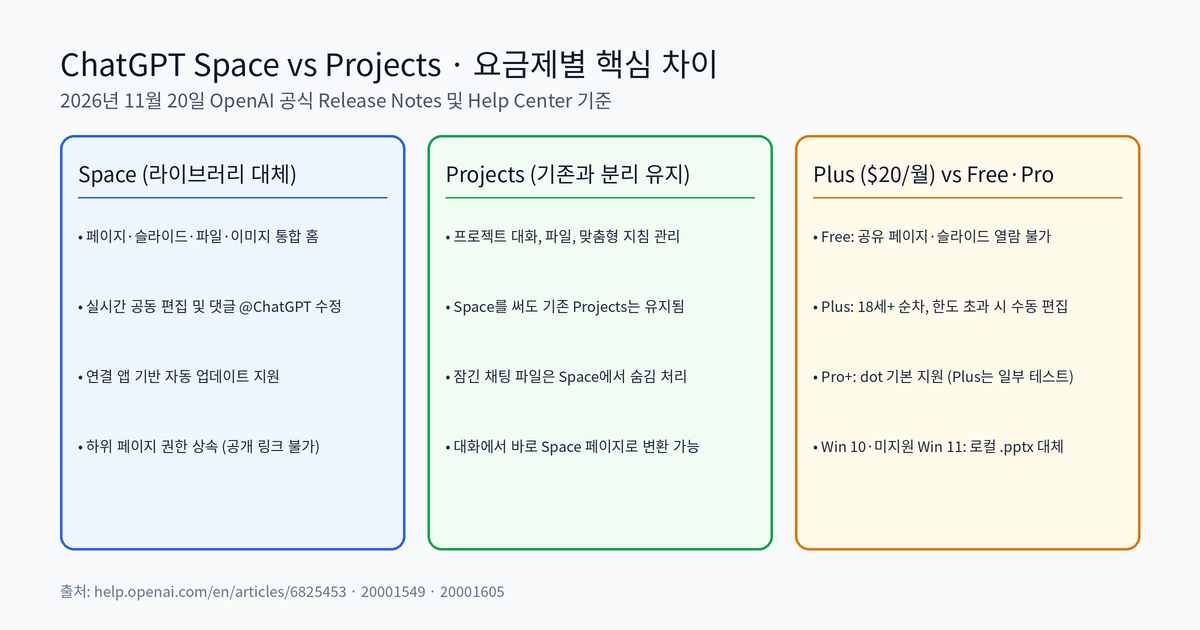
| Feature | Free | Plus ($20/mo) | Pro / Business / Enterprise |
|---|---|---|---|
| Create & edit Space | No | Yes (18+, rolling out) | Yes |
| Open shared pages/slides | No | Yes (with invite) | Yes (subject to org settings) |
| Public URL sharing | No | No | No (separate from Sites) |
Comment @ChatGPT edits |
No | Yes | Yes |
Invite a dot agent |
No | Limited test group (per Engadget) | Yes (supported regions) |
Q. Do files from Locked chats show up in Space? No. Files uploaded or created inside a locked chat stay hidden from Space until you permanently unlock that chat, and can only be opened inside the originating locked chat.
Permission inheritance also matters in practice. Subpages inherit viewer or editor access from their parent page or containing Space. Removing a direct invite from a subpage will not revoke access inherited from a parent page or Space, so offboarding someone requires checking the parent sharing settings too.
Privacy, Memory, and training rules to check before sharing
Review two rules before sharing a page with collaborators.
First, your private chats and Memory stay private, but anything written onto the page is visible to viewers. If Memory is on and ChatGPT pulls context from an earlier chat into a shared brief, collaborators with view access can read it—and their own ChatGPT may store it in their Memory if theirs is enabled.
Second, training preferences follow each collaborator's own settings. Even if you turned off model training on your account, a collaborator with training enabled who runs ChatGPT on your shared page can still expose that interaction under their settings. Business and Enterprise workspaces exclude data from training by default.
Toris's take
If you are a solo developer or small team already paying for Plus ($20/month), Space removes a lot of copy-pasting between ChatGPT, Notion, and slide tools. Pairing your coding summaries—like the workflow covered in our Codex CLI 0.171.0 workspace guide—into a shared Space page with @ChatGPT comment edits is clean and practical.
On the other hand, if you need to send a single link to clients or collaborators on the Free plan, Space is the wrong tool. Free users cannot open shared Space pages, and public links do not exist. For external sharing or public dashboards, stick to ChatGPT Sites or standard web publishing tools.
Sources
- ChatGPT release notes (November 20, 2026) — OpenAI Help Center
- Getting started with Space in ChatGPT — OpenAI Help Center
- ChatGPT Space: sharing, data, and controls — OpenAI Help Center
- Creating and collaborating on slides in ChatGPT — OpenAI Help Center
- OpenAI Brings Its Collaborative Space Hubs To Plus Users — Engadget
Advertisement