Why I Settled on Orca as My Fixed Tool: Notes from Using It Alongside Paseo and cmux
Comparing Paseo, cmux, and Orca in my real workflow, and why I chose the open-source Orca as my fixed tool to reduce cognitive disconnection and working-memory overload.

Joohwan Yu · Founder, Full Stack Developer
Toris · Published
Contents
When I first compared AI development tools, I looked at model performance and response speed first. But moving between 17 apps and 3 web services, the cost I felt most was somewhere else: the cost of recovering where I started a task, what changed, and what to do next.
So I compared Paseo, cmux, and Orca not by “which tool is better” but by how little each one breaks my working context. This post isn’t an objective full feature matrix of the products. It’s a personal record of a choice I formed by moving across many projects myself.
The conclusion first: I decided to fix on Orca
My conclusion was simple. I needed a tool that lets me work deeply on a PC, supports that work from mobile, and, being open source, can be controlled over the long term. The closest choice to those conditions was Orca.
“Fix” here doesn’t mean Orca is the best at everything. It means that rather than moving my main working environment every time I look at a new tool, I pick one workspace as the baseline. Switching tools becomes another context switch in itself.
I compared the three tools with the same questions
| Tool | The axis I saw as central | What I liked | Cost that remained in my work |
|---|---|---|---|
| Paseo | Mobile-first | Natural for checking status on the go and resuming briefly | As the baseline screen for deep code reading and editing, it needs a separate PC flow |
| cmux | Terminal-first | Useful for viewing several execution flows and commands separately | The more sessions there are, the more I have to re-interpret the context inside the terminal |
| Orca | PC-centered workspace | Easy to keep reading, editing, and reviewing after code generation in one flow | Managing state when closing and reopening a project still needs explicit notes |
What matters in this table isn’t the number of features. By my standard, the three tools each solved a different problem well. Paseo strengthened mobility, cmux strengthened terminal parallelism, and Orca strengthened continuity of development and review on the desktop.
Paseo: Continuing from mobile
The clear strength I saw in Paseo was that it’s mobile-first. After leaving my desk, checking progress or sending the next request felt natural. Mobile screens suited short checks, reacting to notifications, and resuming work.
But if you make a mobile-first tool your main workspace, a different question comes up. When you need to read several files, compare changes, check test results, and edit directly, you eventually need a big screen and a keyboard. For me, Paseo was closer to a surface that assists work happening on the PC than to a main development environment.
cmux: Splitting terminals and splitting context were different things
Using cmux, being able to keep several terminal flows in one place was clearly convenient. I could watch separate execution flows such as the server, logs, agents, and tests side by side.
However, splitting windows didn’t mean it organized my working context. As projects multiplied, I had to piece back together what I ran in each pane, which change it connected to, and what result I’d checked. Terminal parallelism was secured, but the editing and review context I need when coming back after an interruption wasn’t preserved automatically.
That doesn’t mean cmux falls short. It can be a good choice for developers who make the terminal their main working surface and value composing commands. But in my work, continuity of the flow of reading and judging changes mattered more than terminal parallelism.
Orca: The PC is the main stage and mobile is a supporting surface
Orca felt like a PC-centered tool to me. The sequence of generating code, reading the result, editing the parts I need directly, and continuing with the next instruction is built around the big screen. Even when AI produces the changes, a person ultimately has to read the code and decide, and this structure fit my working habits well.
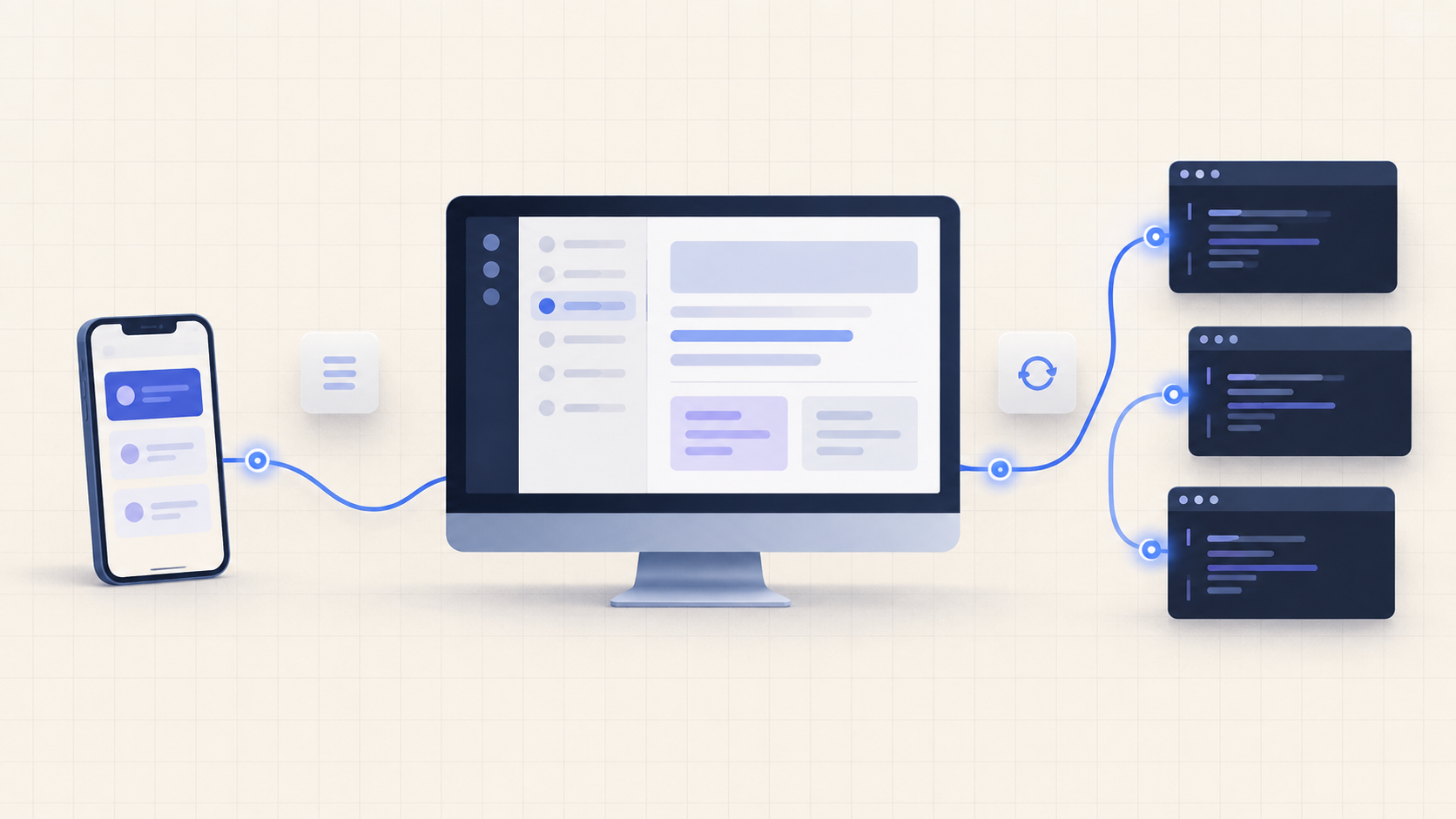
At the same time, it mattered that it doesn’t abandon mobile entirely. Mobile isn’t a place for deep edits, but it can play a supporting role for checking status, giving short instructions, and resuming work. Put in my own terms, the combination looks like this.
Orca on PC
  → Reading code · editing · testing · reviewing

Mobile
  → Checking status · short instructions · resuming work
Compared with the mobile-first Paseo, the direction is reversed. Where Paseo starts on mobile and fills in the needs of the PC, Orca has me work deeply on the PC and helps mobile avoid breaking that flow. Since the core of my day happens on the PC, the latter felt more natural.
Why open source made me fix the choice
The most decisive difference was that it’s open source. Being open source doesn’t automatically solve every problem. You still have to keep checking the maintainers, release speed, documentation, and actual stability. Even so, it had the following long-term meaning for me.
- My way of working isn’t tied only to one company’s product direction
- When a problem occurs, I can check the structure and change history myself
- There’s room to extend the connections and automation I need to fit my environment
- Even when I change tools, I can preserve some of the operational knowledge I’ve built
For someone who runs several products, the continuity of tools isn’t a convenience feature; it’s an operating cost. What matters is less what works well today than whether I can reopen it the same way months from now and know where to look when something goes wrong. So I chose Orca not as “the coolest tool” but as a reference point that’s fine to fix on.
The problem I ran into didn’t disappear with one tool
Fixing on Orca doesn’t remove every cognitive disconnection. If you don’t leave a note of how far you got when putting a project to Sleep or shutting it down, the cost of recovering in the next session arises in any tool. Open source doesn’t leave those notes for you.
So alongside the tool choice, I keep the following operating rules.
- When I finish work, I leave the changed files and the verification results.
- I write the next thing to do in one sentence.
- I distinguish generated code from code I’ve actually checked.
- On mobile, I focus on checking status and resuming instead of deep edits.
- I use cmux as a supporting surface only when I need terminal parallelism.
Seen this way, the choice isn’t about picking a winner among “Orca vs Paseo vs cmux.” It’s closer to a setup that uses Orca as the baseline and brings in what Paseo and cmux do well, to the extent needed.
Another Developer’s Criteria Can Differ
If you spend a lot of time on mobile and most of it is short checks and resuming, Paseo may suit you better. If you like composing terminal sessions yourself and prefer command-based work, cmux’s strengths may count for more. My choice came out of these conditions: I handle many projects deeply on a PC, I didn’t want to lose that flow on mobile either, and I wanted long-term control over my tools.
In the end, what I fixed on isn’t Orca’s feature list but a baseline surface for continuing my work. On the PC, I read, edit, and review with Orca. On mobile, I check that flow and reconnect to it. I split execution flows with cmux only when needed, and where Paseo is more natural on mobile, I use its strengths.
The conclusion that remained after trying many tools was, if anything, closer to using fewer of them. Fixing where I start and where I come back to protects a developer’s working memory longer than keeping more options open.
Advertisement