FreeVideo v0.6.6 Guide: Run MiniMax H3 Locally on 8GB VRAM
A practical guide to FlashML-org/FreeVideo v0.6.6: running OpenVDN 8-step VDN-H3 locally on 8GB VRAM and 16GB RAM, hardware-adaptive inference, ComfyUI setup, and license limits.
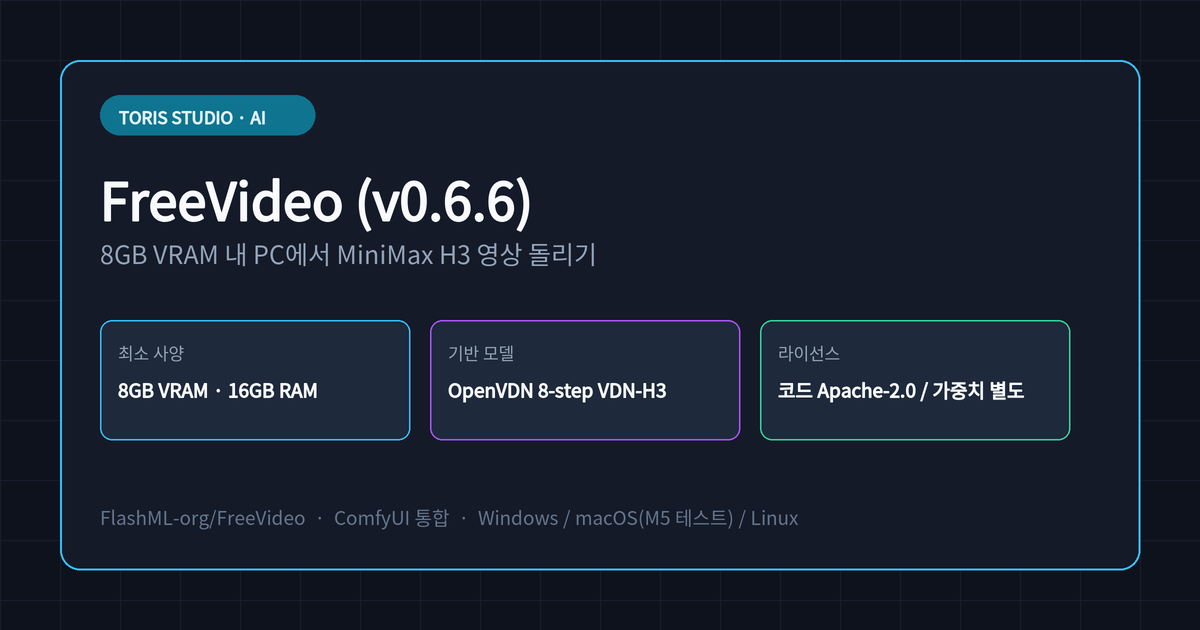
Q. Can you generate MiniMax H3 videos locally on an 8GB VRAM PC without cloud fees? Yes. With FreeVideo (
FlashML-org/FreeVideo), you can run OpenVDN's 8-step VDN-H3 model locally with as little as 8 GB of VRAM and 16 GB of system RAM. As of the v0.6.6 release on November 20, 2026, it supports one-click launchers for Windows, Linux, and macOS (Apple silicon preview), as well as installation as a ComfyUI custom node.
⚠️ Accuracy guardrail: This guide was written on November 21, 2026, after directly inspecting the official
FlashML-org/FreeVideoGitHub repository and v0.6.6 release notes. Per-GPU generation time tables reside in separate hardware sub-guides, so no unverified benchmark numbers are estimated here. Code (Apache-2.0) and model weights (MiniMax H3 Community License) terms are subject to upstream updates.
30-second summary
- Local MiniMax H3 inference engine: Built on OpenVDN's 8-step VDN-H3 model and Video DeltaNet hybrid attention, running from 8 GB VRAM and 16 GB RAM.
- Hardware-adaptive execution: Automatically picks
int8on GeForce and RTX 30-series GPUs orFP8on workstation/datacenter cards, using weight streaming and async prefetching to cap peak memory. - New in v0.6.6 (Nov 20, 2026): Adds MOSS-Image layout boxes, faster 1024px image generation on 12 GB GPUs, composition-only video reference, and mobile-compatible MP3 audio passthrough.
- Check both licenses: The engine code is released under
Apache-2.0, while model weights follow the MiniMax H3 Community License with territorial and acceptable-use restrictions.
What problem does FreeVideo solve?
High-resolution AI video generation typically demands 24 GB+ VRAM or paid cloud APIs, whereas FreeVideo coordinates VRAM, system RAM, and disk to bring consumer GPUs down to 8 GB. As of November 21, 2026, FlashML-org/FreeVideo has reached 4,052 stars and 569 forks on GitHub.
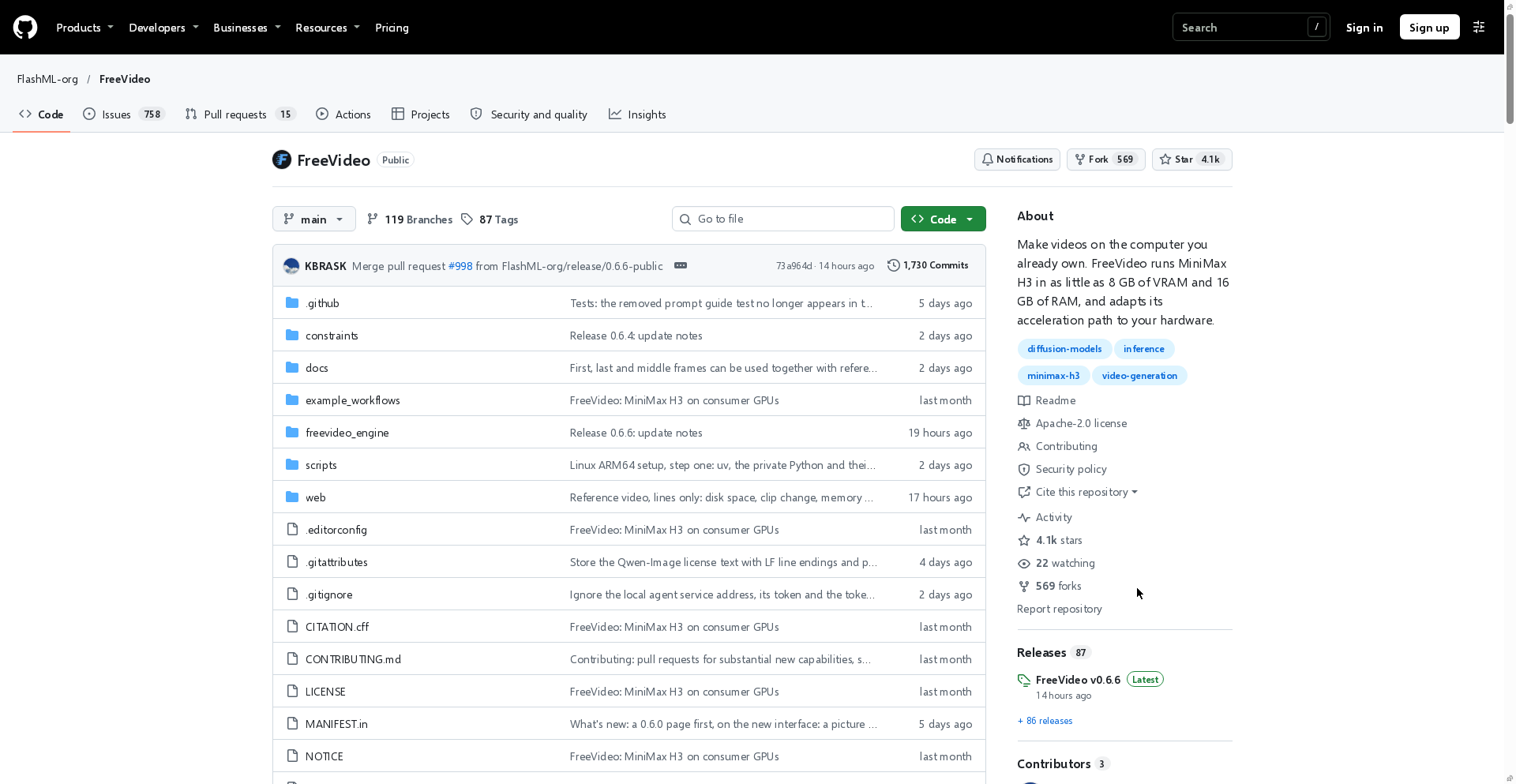
Rather than a thin CLI wrapper, FreeVideo provides a dedicated creative workspace inside ComfyUI. It handles text prompts, first and last frames, image/video/audio references, and community MiniMax H3 LoRAs within a unified workflow.
Hardware-adaptive architecture and core features
FreeVideo's core strength is probing your hardware at runtime to pick the right precision, attention kernel, and memory streaming path.
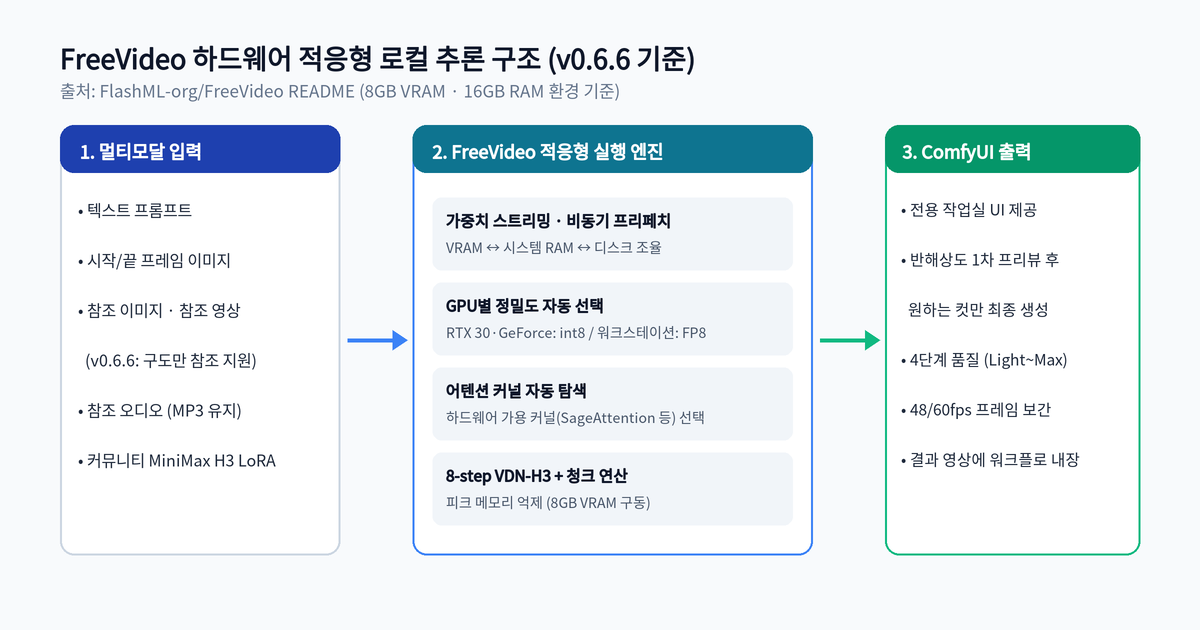
| Area | Supported capabilities (README & v0.6.6) | Practical takeaway |
|---|---|---|
| Minimum specs | 8 GB VRAM · 16 GB system RAM | Runs even on mainstream RTX gaming PCs |
| Precision selection | GeForce & RTX 30-series (int8) / Workstation & datacenter (FP8) |
Faster consumer inference (official note: ~2.3x faster 5s clip on RTX 3090) |
| Memory management | Weight streaming, asynchronous prefetching, chunked computation | Prevents out-of-memory errors on tight VRAM |
| Preview & quality | Half-resolution preview + 4 quality tiers (Light, Medium, High, Max) | Render full quality only for clips you decide to keep |
| Framerate & workflow | 48/60 fps export, workflow & seed embedded in output video | Drop generated videos back into ComfyUI to restore settings |
Q. What changed in the v0.6.6 release on November 20, 2026? You can now reference only a video's layout (Composition only) without copying its motion or colors, and draw explicit Layout boxes in MOSS-Image. It also speeds up 1024px image generation on 12 GB cards and preserves MP3 audio tracks so exported clips play natively on phones.
Installation and OS-specific notes
FreeVideo offers one-click launchers for Windows, macOS, and Linux, alongside manual installation into an existing ComfyUI environment.
- Windows (
FreeVideo.exe): Code-signed launcher that sets up ComfyUI and models or reuses existing folders, with offline ZIP package support. - macOS (
FreeVideo-Mac-arm64.dmg, Apple silicon preview): Tested on an M5 Mac with 24 GB unified memory. Because the preview is not yet Apple-notarized, macOS requires manual approval on first launch. - Linux (
AppImageorsetup.sh): Use the AppImage on desktop, or clone the repo and run./setup.shon terminals and servers (supportsfreevideo server --listen 0.0.0.0for LAN access). - Existing ComfyUI: Clone into
ComfyUI/custom_nodes, restart ComfyUI, and load Workflow → Browse Templates → FreeVideo → FreeVideo-All-in-One.
cd ComfyUI/custom_nodes
git clone https://github.com/FlashML-org/FreeVideo.git
Always separate the two licenses before production use: the codebase is Apache-2.0, whereas the model weights carry the MiniMax H3 Community License with explicit territorial and acceptable-use limits.
Toris's take
For solo developers and creators tired of cloud video API bills, FreeVideo is well worth testing as a local-first prototyping engine. The half-resolution preview workflow is especially effective on 8–12 GB GPUs because it cuts wasted full-quality renders.
- Good fit: Prototyping local video/image pipelines on an 8–12 GB NVIDIA PC or 24 GB+ Apple silicon Mac via ComfyUI (if you also want to slice long videos into local shorts, check our AutoClip local video clipping guide).
- Check first: If you plan to bundle or redistribute the model weights inside a commercial hosted product, review the MiniMax H3 Community License restrictions for your target regions before shipping.
If you need help designing AI automation pipelines or custom studio workflows, see Toris Studio Services.
Sources
Advertisement