AutoClip (v1.5.8): Open-Source Local AI Video Clipping Guide
Turn long podcasts and talks into 10 ready-to-post Shorts locally with AutoClip. Verified specs, 7.5-minute benchmark costs, CLI/MCP setup, and limits.
Q. Is there really an open-source tool that turns one long podcast or lecture link into 10 short-form clips locally for free? Yes—
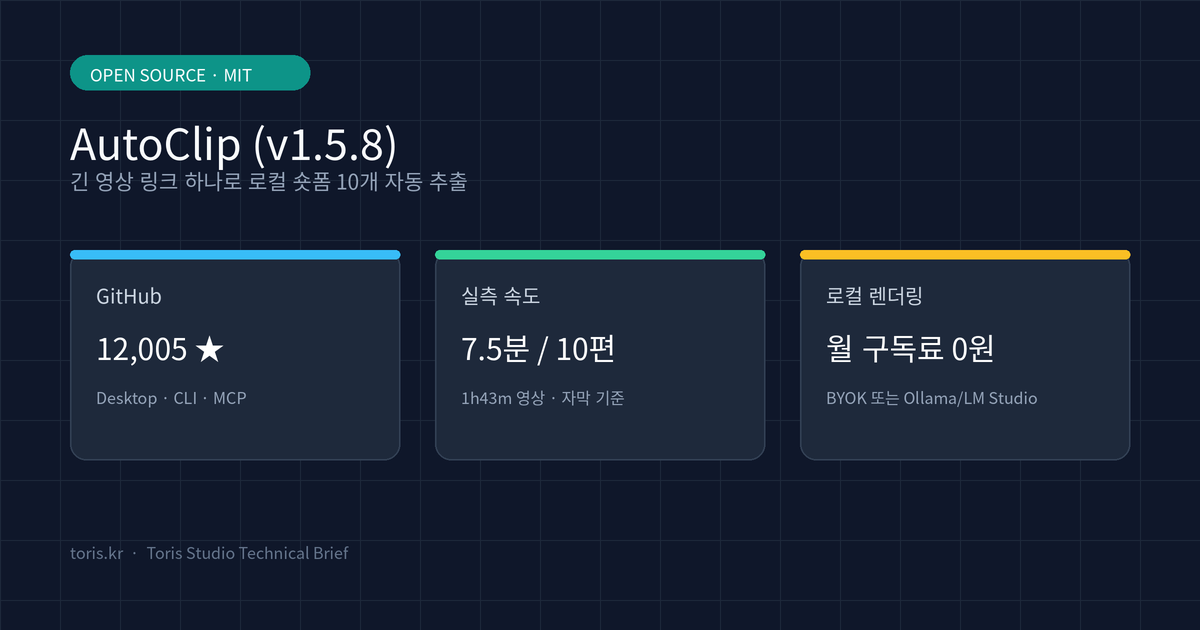
zhouxiaoka/autoclipdoes exactly that. The desktop app itself is free under the MIT license, and cutting, speaker framing, and FFmpeg rendering all run on your own computer with zero monthly subscription fees. In an official benchmark on an Apple Silicon Mac, a 1h 43m interview with creator subtitles produced 10 clips in 7.5 minutes at an estimated text-model cost of ¥0.09 (about $0.01–$0.02).
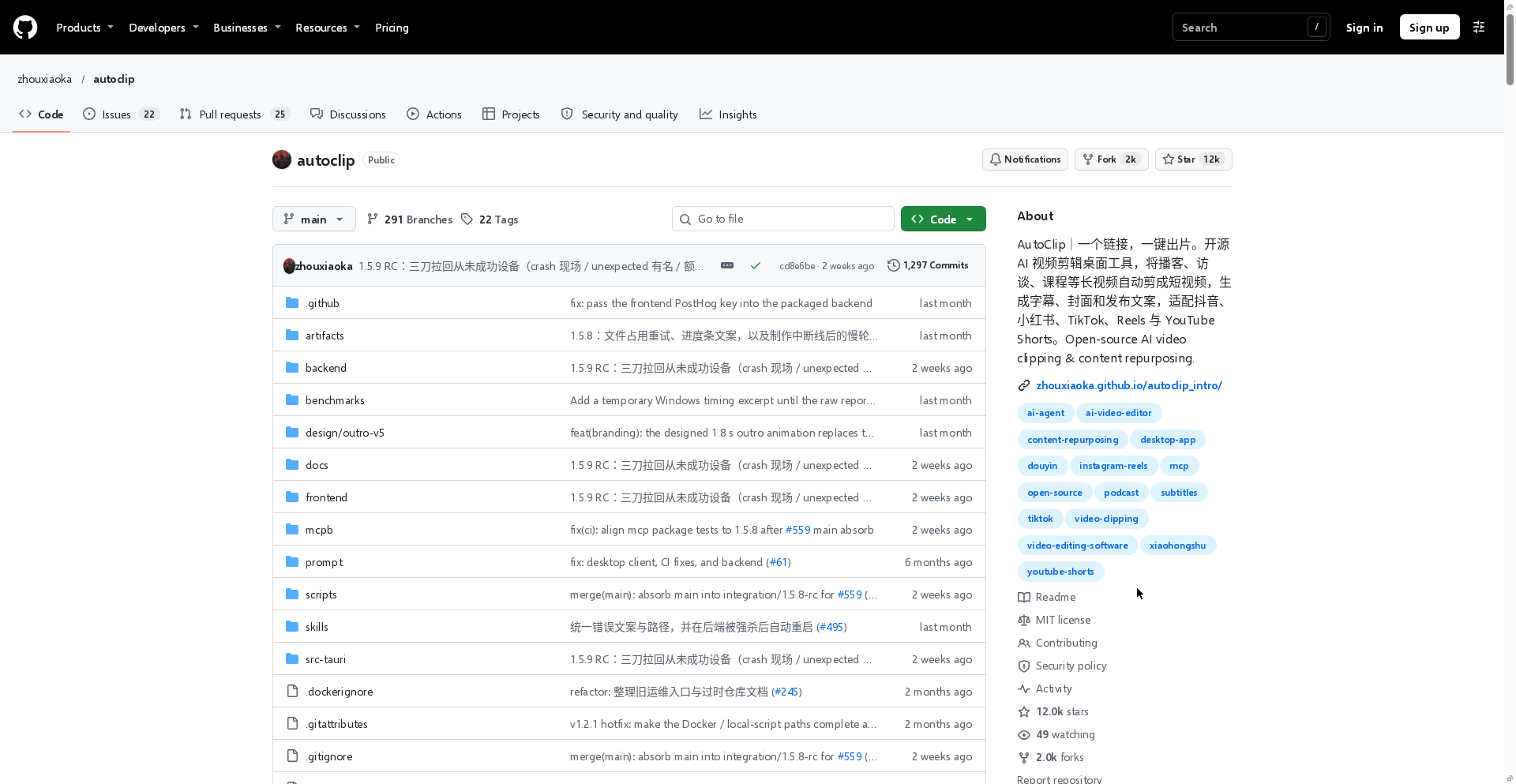
⚠️ Accuracy guardrail: This article was written on November 21, 2026, by directly verifying the official zhouxiaoka/autoclip GitHub repository (12,005 Stars, 1,998 Forks, MIT License, latest release
v1.5.8), the official AutoClip product brief (llms-full.txt), and Toris Studio's November 20 YouTube Short. Measured runtime and cost figures are from an October 1, 2026 test on one Apple Silicon Mac usingqwen-plustext-model estimates and exclude cloud ASR or AI image generation fees.
30-second summary
- Local-first alternative to subscription SaaS: Unlike hosted tools such as OpusClip, FFmpeg cutting, speaker framing, and video encoding stay on your machine.
- One click for 7 platform kits: Paste a YouTube or Bilibili URL (or load a local file) to generate up to 10 scored clips per platform—complete with covers, titles, descriptions, hashtags, and ZIP publish kits for TikTok, Reels, Shorts, YouTube, Douyin, Xiaohongshu, and Bilibili.
- Complete Q&A extraction: It reads the full transcript in one pass to capture complete question-and-answer arcs without cutting off speakers mid-thought.
- Desktop, CLI, and MCP ready: macOS Apple Silicon (
.dmg) and Windows 10/11 x64 (-setup.exe) installers bundle Python and FFmpeg, while CLI, MCP, and Docker share the same1.5quick-output pipeline.
How AutoClip differs from hosted clipping SaaS
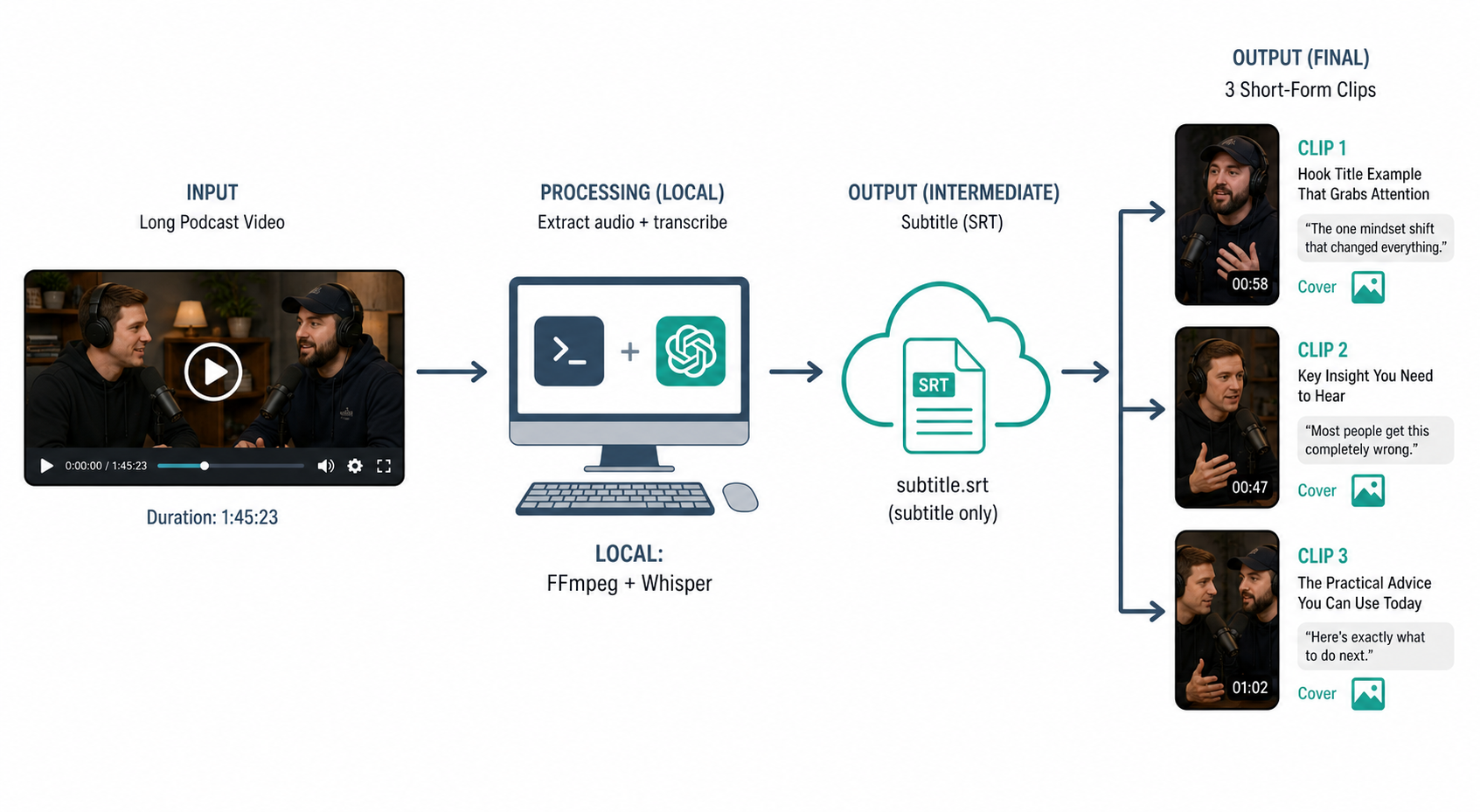
AutoClip is a local-first desktop tool that keeps video rendering on your machine and sends only subtitle text to cloud models when needed.
Uploading multi-gigabyte 2-hour interviews to a cloud editor often takes longer than the edit itself. AutoClip removes that bottleneck by never uploading your full source video by default. If creator subtitles exist, it uses them directly; otherwise, it transcribes locally with Whisper or SenseVoice (or optional cloud STT). Your chosen LLM (BYOK for Qwen, DeepSeek, GPT, Gemini, or local Ollama / LM Studio) receives only relevant transcript text and copy, saving bandwidth, time, and API spend.
For gameplay or low-dialogue footage, you can optionally enable visual understanding, which sends sampled frames. Otherwise, your raw footage and rendered clips remain on local disk until you explicitly choose to publish to a connected account.
The one-click pipeline: from transcript to 10 publish kits
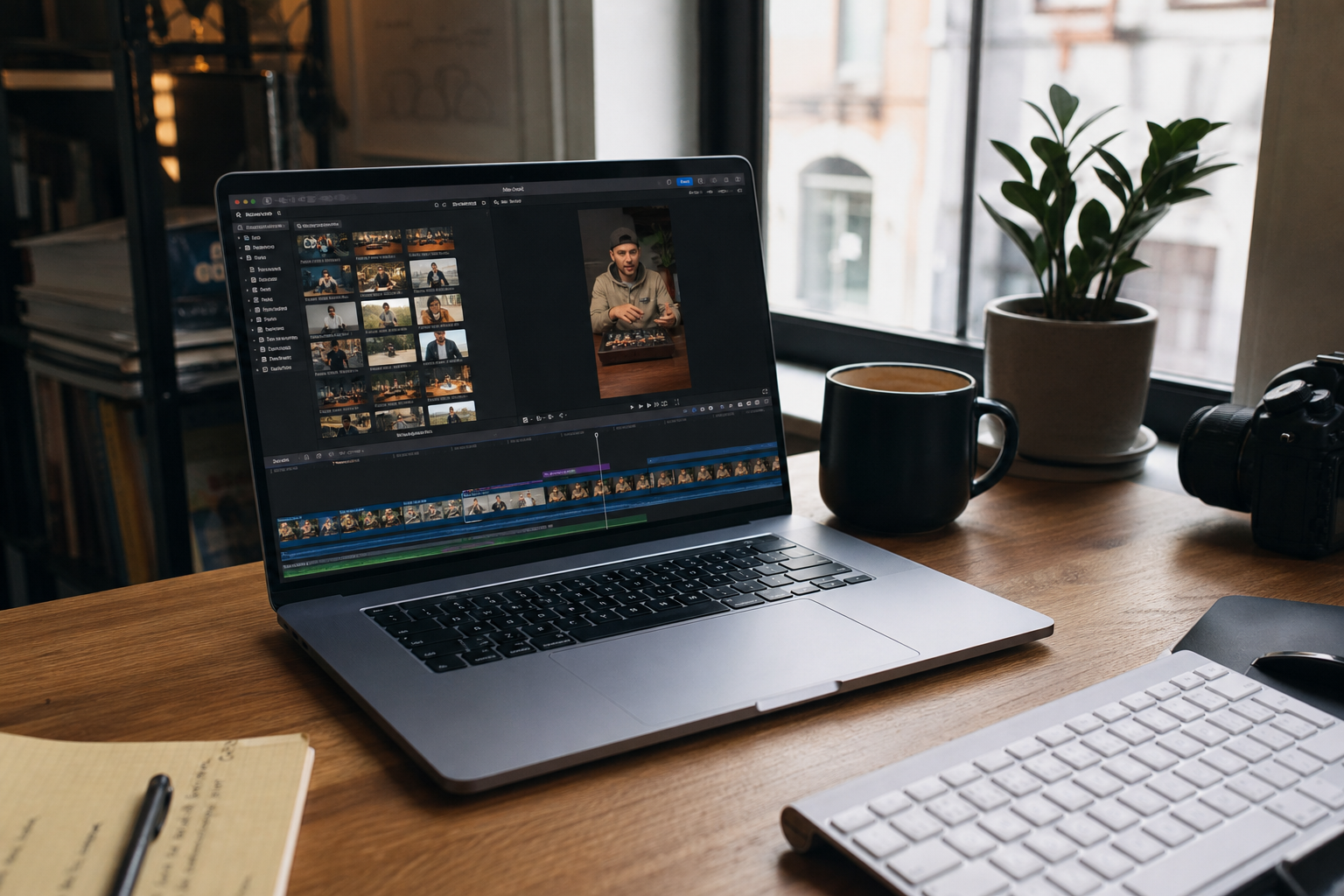
AutoClip is built to deliver a ready-to-post batch of clips in a single click without forcing you into a timeline editor or multi-turn AI chat.
The workflow runs in three steps:
- Paste a source and pick platforms: Provide a YouTube/Bilibili URL or local file and select any combination of TikTok, Instagram Reels, YouTube Shorts, Douyin, Xiaohongshu, Bilibili, and YouTube.
- Whole-transcript Q&A selection: The model scans the entire transcript to find complete Q&A segments (typically 18–33 moments in a 2–3 hour interview). The top 10 ranked clips render automatically, while the rest wait one click away as on-demand alternatives.
- Platform-specific packaging: TikTok, Reels, and Shorts default to full-frame vertical podcast layout (9:16), Douyin and Xiaohongshu default to split-screen interview framing, and YouTube/Bilibili stay landscape. Framing follows the speaker, foreign speech is translated into the platform's language, and 7 color palettes plus caption animations are matched to each clip's mood.
Q. Can I adjust captions or framing if an auto-generated clip needs tweaking? Yes. AutoClip includes a built-in editor in the desktop app to fine-tune cut points, caption breaks, and layouts. The default 1.8-second brand outro can be disabled in Settings, and copied post text includes no AutoClip credit.
Measured speed, cost, and supported environments
According to benchmarks recorded on an Apple Silicon Mac on October 1, 2026, a 1h 43m video with existing subtitles yielded 10 clips in 7.5 minutes at an estimated qwen-plus text-model cost of ¥0.09.
| Pipeline | Source video | Output & time | Est. text-model cost |
|---|---|---|---|
| New (with captions) | Jensen Huang interview, 1h 43m (EN → Xiaohongshu) | 7.5 min / 10 clips | ¥0.09 |
| New (no captions) | TIM × Luo Yonghao, 2h 52m (ZH → Douyin, local Whisper base) | 29.5 min / 10 clips | ¥0.20 |
| Previous | MrBeast, 2h 06m (EN → TikTok) | 65 min / 33 clips | ¥0.64 |
AutoClip supports three main deployment surfaces:
| Surface | Requirements | Notes |
|---|---|---|
Desktop (v1.5.8) |
macOS 13+ Apple Silicon (.dmg ~348 MB), Windows 10/11 x64 (-setup.exe ~195 MB) |
Self-contained Python + FFmpeg. No Intel Mac installer |
| CLI / MCP | Python 3.10+ (3.11 recommended) + FFmpeg | uvx autoclip-mcp or autoclip produce for batch & agents |
| Docker / Web | Docker & Compose v2 (Linux / self-hosted) | Self-hosted web UI and API |
For agent automation, CLI and MCP (start_quick_output / get_quick_output_status) share the exact same 1.5 pipeline as the desktop app. Combined with patterns from our CLI-Anything harness guide or Plannotator review workflow, solo developers can wire video repurposing directly into their agentic toolchains.
Practical limitations to check before adopting
Even though the software is MIT-licensed and free, first-launch OS warnings and platform constraints are worth noting upfront:
- No Apple notarization or Windows code signing yet: As of
v1.5.8, macOS 15+ users must open System Settings → Privacy & Security → Open Anyway after the first double-click, and Windows users must click More info → Run anyway on SmartScreen. - No Intel Mac desktop installer: Intel Mac users need to run Docker or the CLI instead of the desktop
.dmg. - Human review is still essential: Even in the official first-run test (Oct 2, 2026) where 3 Shorts rendered in 62.4 seconds from a 127.3-second lesson, two generated descriptions needed manual edits before posting. Always review context, translated subtitles, framing, and source rights.
- 180-second minimum for landscape YouTube: Long-form YouTube exports require complete clips of at least 180 seconds; use Shorts or Bilibili for shorter segments.
Toris's take
- Best fit: Solo creators, educators, and developers regularly publishing 10-minute to 3-hour interviews, podcasts, or tech talks who want to replace monthly clipping SaaS bills with local rendering. Start with a 10–30 minute subtitled video and one or two target platforms.
- When to skip: If you are on an Intel Mac, restricted from running unsigned binaries on a work machine, or prefer zero local CPU/GPU load via a hosted browser editor, a cloud service remains simpler.
Sources
Advertisement