Plannotator: Browser-Based Plan & Code Review for AI Agents
How backnotprop/plannotator v0.29.1 brings inline plan annotations, diff reviews, and an async agent Inbox to Claude Code, Codex, and Gemini CLI.
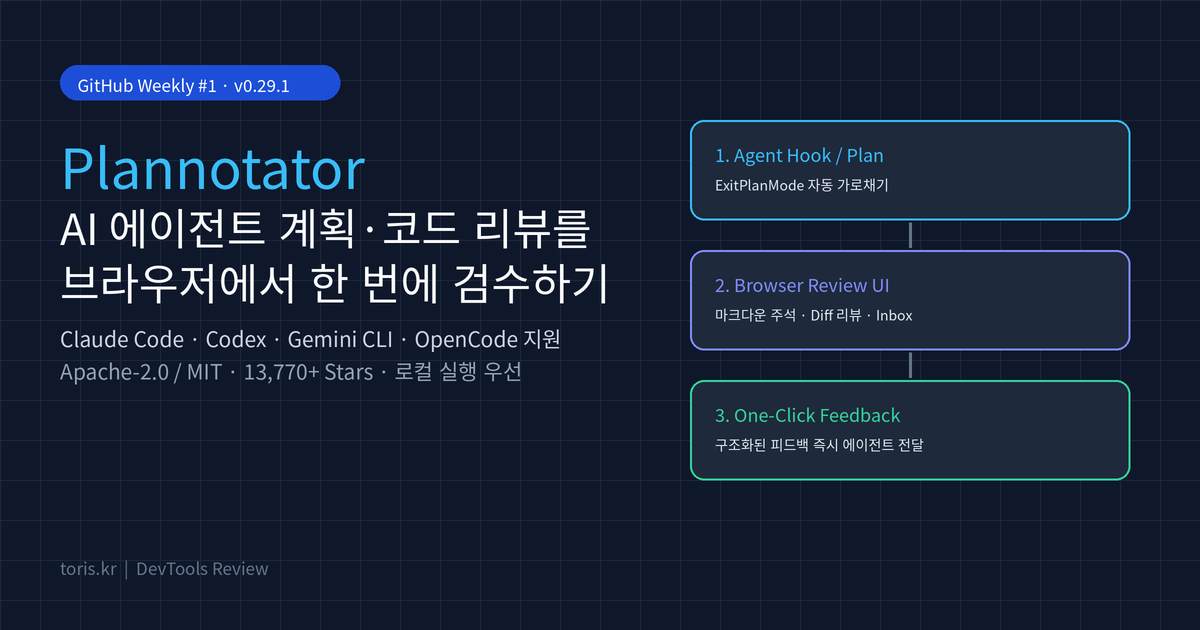
Q. What is Plannotator, and why are terminal coding agent users adopting it? Plannotator (
backnotprop/plannotator) is an open-source local review workspace for AI coding agents such as Claude Code, Codex, Gemini CLI, and OpenCode. It opens agent-generated plans, code diffs, and HTML artifacts in a browser UI where you can annotate inline and send structured feedback back to the agent in one click, eliminating the friction of reviewing long markdown plans in a cramped terminal.
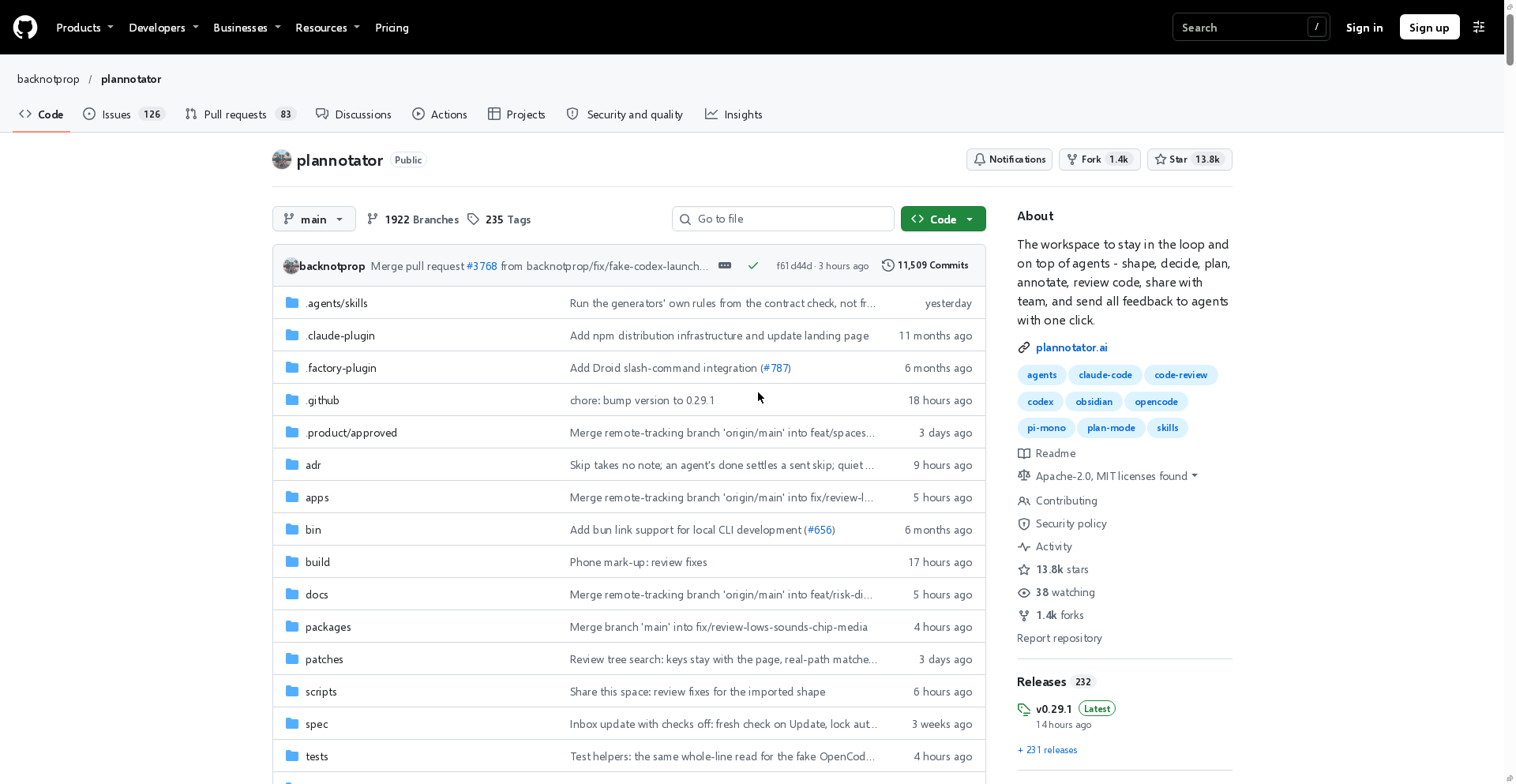
⚠️ Accuracy guardrail: This guide is based on facts verified directly from the official backnotprop/plannotator GitHub repository (v0.29.1, 13,770+ stars) and plannotator.ai as of November 20, 2026. Supported agent integrations, install flags, and share expiration rules (7 days) may change in future releases, and we did not run custom runtime benchmarks across individual setups.
30-second summary
- Core role: Intercepts agent plan proposals (
ExitPlanMode) or code changes, lets you add inline comments, deletion marks, and code suggestions in a local browser, and returns structured feedback to the agent's next turn. - Supported agents: Claude Code, Codex, Copilot CLI, Gemini CLI, OpenCode, Kiro, Droid, Amp, DeepSeek Harness, and Pi, plus MCP connectivity via
Plannotator Inbox. - Key workflows: Plan Review (with revision diffs), Code Review (Git, GitButler, Jujutsu, Perforce, GitHub PRs, GitLab MRs, and Guided Review), live HTML/
localhost:5173annotation, and auto-export to Obsidian, Bear, or Notion. - Privacy & security: Runs locally with no usage telemetry. Link sharing can be disabled via
PLANNOTATOR_SHARE=disabled, and--verify-attestationchecks SLSA provenance during installation. - License: Dual-licensed under Apache-2.0 or MIT.
The biggest bottleneck in terminal agents: long plans, awkward reviews
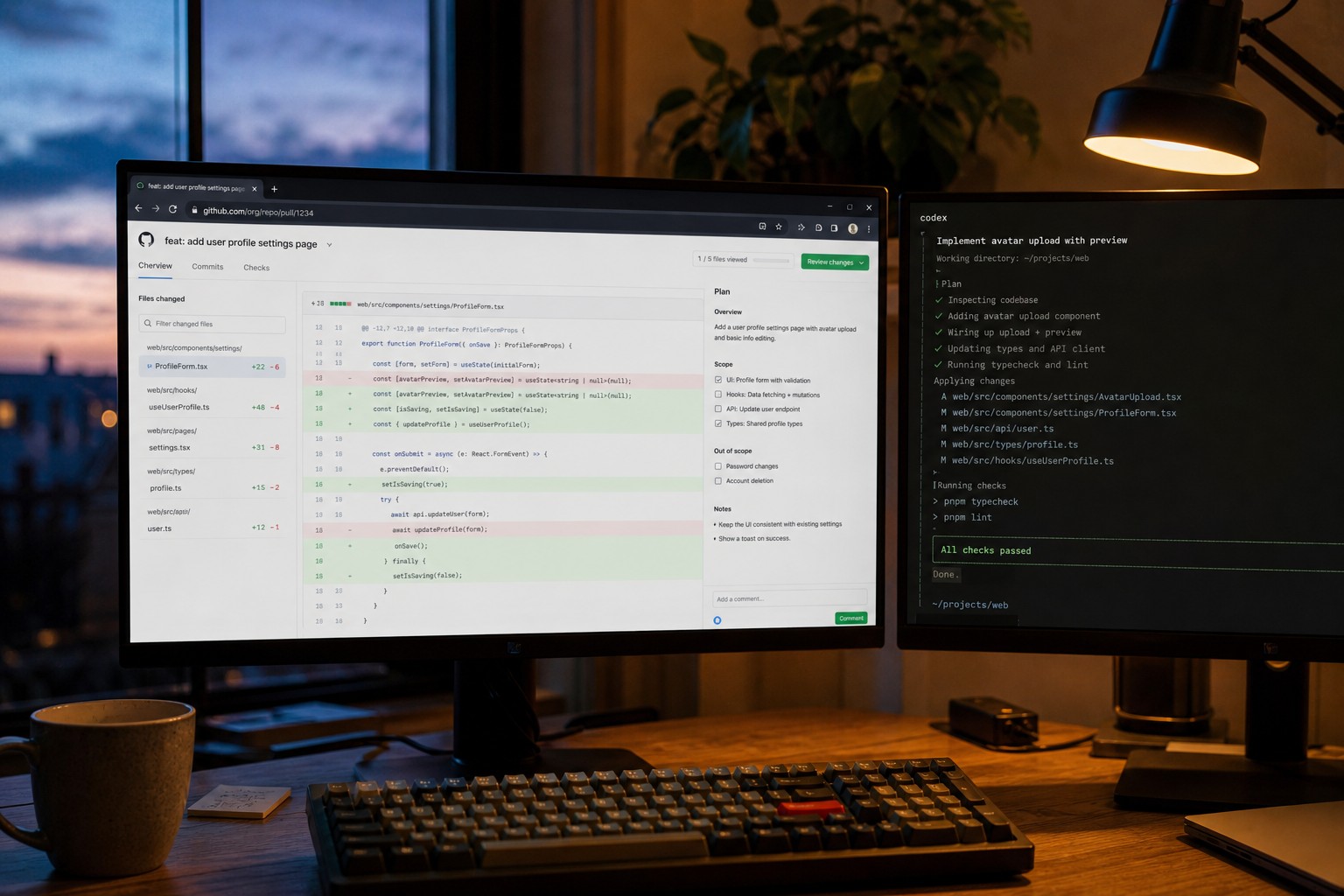
When working with AI coding agents, reviewing the proposed plan and resulting diff often takes longer than code generation itself. Scrolling through dense markdown inside a terminal makes it tedious to point out one specific paragraph or request targeted scope cuts without copy-pasting chunks back into the prompt.
Plannotator separates that step into a dedicated browser-based review layer. Whenever an agent proposes a plan or you invoke /plannotator-review, a local server opens an interactive document and PR-style diff workspace.
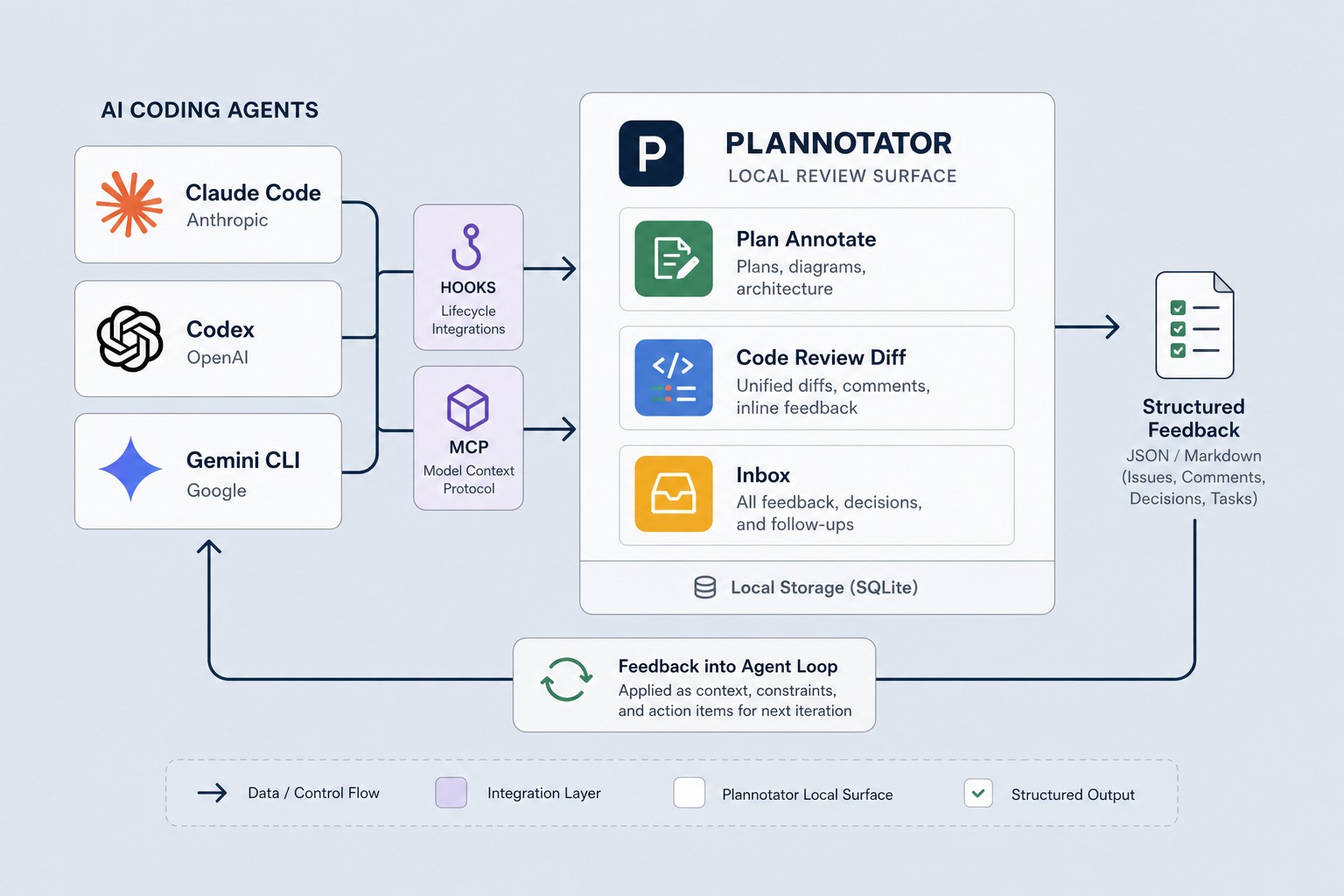
How it works and the Plannotator Inbox architecture
Plannotator connects to coding agents through lifecycle hooks, slash commands, skills, or MCP.
| Mode | Trigger | Main capability | Feedback loop |
|---|---|---|---|
| Plan Mode | ExitPlanMode hook interception |
Inline annotations, deletion marks, plan version diffs | Approves execution or sends structured revision notes |
| Code Review | /plannotator-review or PR/MR URL |
Local uncommitted diffs, GitButler stacks, GitHub PR/GitLab MR | Line-level comments and code suggestions sent back to session |
| Annotate | /plannotator-annotate <file|dir|url> |
Markdown, HTML artifacts (--render-html), live localhost pages |
Batches page comments and returns them to the agent |
| Plannotator Inbox | plannotator inbox or plannotator inbox mcp |
Unified async inbox for questions, plans, and files across agents | Replies flow back as the agent's next turn without blocking |
Plannotator Inbox is especially practical when running multiple agents in parallel. Much like controlling coding agents remotely with T3 Code, running concurrent sessions often stalls when agents wait on human input; Inbox lets agents drop questions or artifacts while you respond asynchronously from one screen.
Installation and per-agent setup
The official installer downloads the plannotator binary, detects installed agents, and configures hooks, skills, and slash commands automatically.
# macOS / Linux / WSL
curl -fsSL https://plannotator.ai/install.sh | bash

# Minimal binary-only install (skips hooks and agent skills)
curl -fsSL https://plannotator.ai/install.sh | bash -s -- --minimal
Post-install steps depend on your agent:
- Claude Code: Run
/plugin marketplace add backnotprop/plannotatorand/plugin install plannotator@plannotator, then restart (Claude Code 2.1.287+ supports non-blocking message return). - Codex / Gemini CLI / Kiro CLI: Hooks and skills (
$plannotator-review, etc.) are configured automatically by the installer (Gemini CLI requires 0.36.0+). - OpenCode / Pi: Add
"plugin": ["@plannotator/opencode@latest"]toopencode.jsonfor OpenCode, or runpi install npm:@plannotator/pi-extensionfor Pi. - Terminal-only workflows: For SSH or terminal-native reviews, install
herdr plugin install plannotator/herdr-annotateorbrew install plannotator/tap/plannotator-tui. SSH sessions automatically switch to fixed port19432.
Security, sharing options, and caveats
Before adopting any local review server, check its network and sharing boundaries:
- Disable link sharing for private code: Set
export PLANNOTATOR_SHARE=disabledwhen working on proprietary specs or codebases. By default, larger shares are encrypted before upload and expire after 7 days. - Watch port binding in remote mode: Under
PLANNOTATOR_REMOTE=1or SSH, the server listens on0.0.0.0:19432without built-in authentication, so restrict access via trusted SSH port forwarding (LocalForward 19432 localhost:19432). - Verify build provenance: Pass
--verify-attestationto the installer (withghCLI available) to validate SLSA provenance before running the binary.
Toris's take
If you are a solo developer juggling multiple AI coding agents, Plannotator pays off immediately. Instead of retyping "keep step 1, drop step 3, and change the file path in step 2" in terminal chat, you mark up the plan directly and send clean, unambiguous feedback. Automatic Obsidian and Notion plan archiving is also a strong bonus for keeping project decision logs.
On the other hand, if you mostly ask agents for quick one-off edits, having a browser window pop up on every plan can feel heavy. In that case, install only the binary with --minimal and invoke /plannotator-review or /plannotator-annotate manually when a change actually warrants thorough inspection. Pairing it with the CLI-Anything harness guide gives you an even cleaner end-to-end agent workflow.
Sources
Advertisement