Phone Harness: Control Real iPhones and Androids with AI Agents
How open-source Phone Harness v0.3.3 lets Claude Code and Codex control real iOS and Android phones via iPhone Mirroring, ADB, and MCP without jailbreaking.
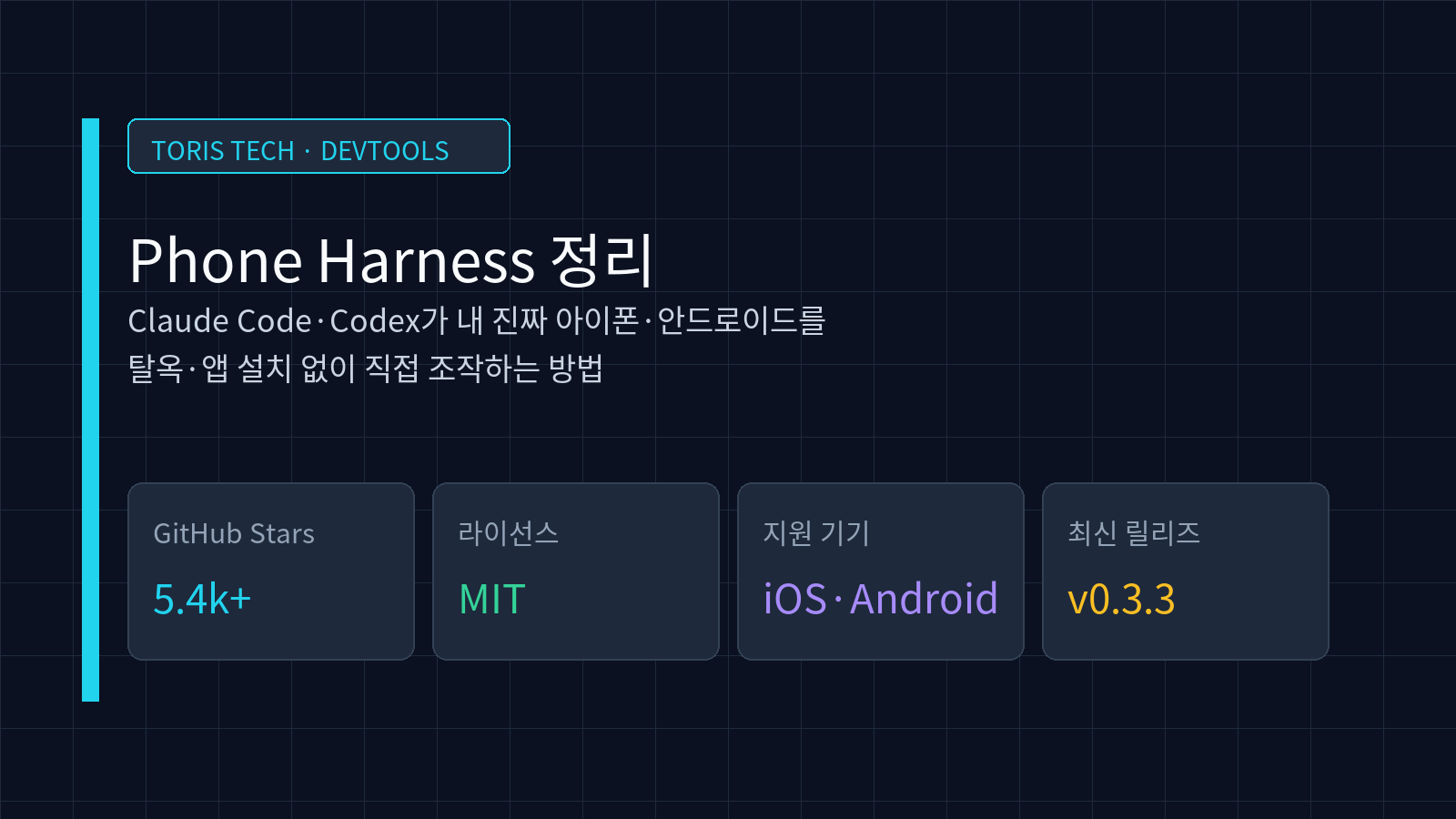
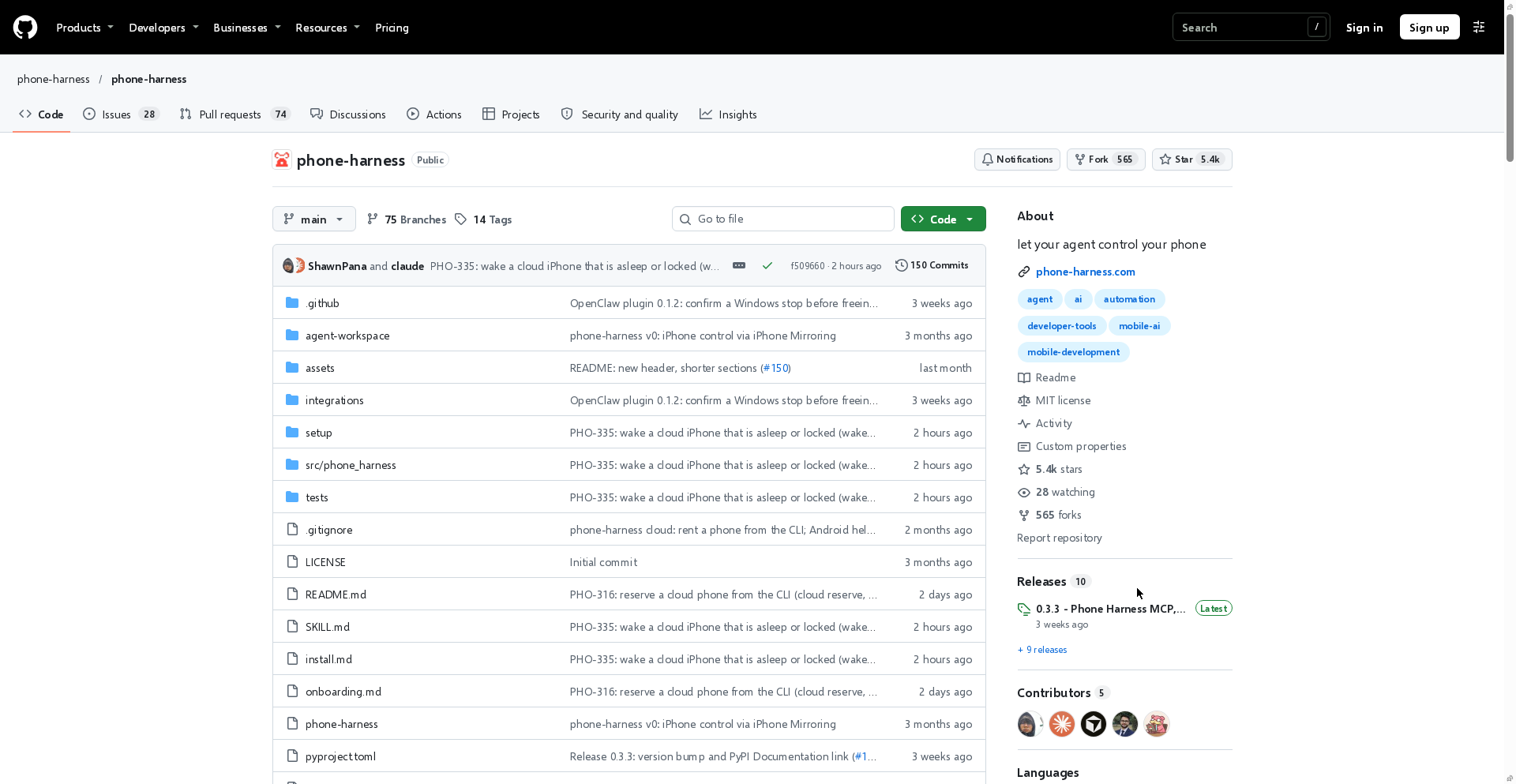
Q. Can coding agents like Claude Code or Codex directly operate a real iPhone or Android device? Yes. With the open-source Phone Harness (
phone-harness/phone-harness), an agent can read the screen, tap, scroll, and type on your phone without jailbreaking, Xcode setup, or installing an app on the device. It uses Mac's iPhone Mirroring window for iPhone and ADB for Android.
⚠️ Accuracy guardrail: This guide is verified against the official
phone-harness/phone-harnessGitHub repository (5,444 Stars, 565 Forks, MIT license) and release0.3.3(2026-11-02) as of November 22, 2026. Phone Harness Cloud pricing ($20 plan and refundable deposit) and MCP support scope may change with future updates.
30-second summary
- No jailbreak or phone app required: Controls iOS via macOS iPhone Mirroring and Android via USB/Wi-Fi ADB.
- Unified Python helpers: Uses the same primitives (
open_app(),tap_text(),type_text(),screen()) across local and cloud phones. - Broad agent integration: Works with Claude Code, Codex CLI, Hermes Agent, OpenClaw, and cloud-hosted MCP (
https://mcp.phone-harness.com/mcp). - Clear boundaries: Does not support Face ID, camera flows, or multi-touch, and DRM video renders black. Isolate permissions carefully before connecting a primary device.
What Phone Harness Is
Phone Harness is an open-source CLI and automation harness that gives AI coding agents eyes and hands on real smartphones. Released in August 2026, it has reached 5,444 GitHub stars and 565 forks under the MIT license.
Traditional mobile UI frameworks like Appium or XCTest require heavy Xcode or test-runner configuration. Phone Harness wraps macOS iPhone Mirroring and Android ADB so an agent can launch apps and inspect UI text using concise Python helpers such as tap_text("Weather").
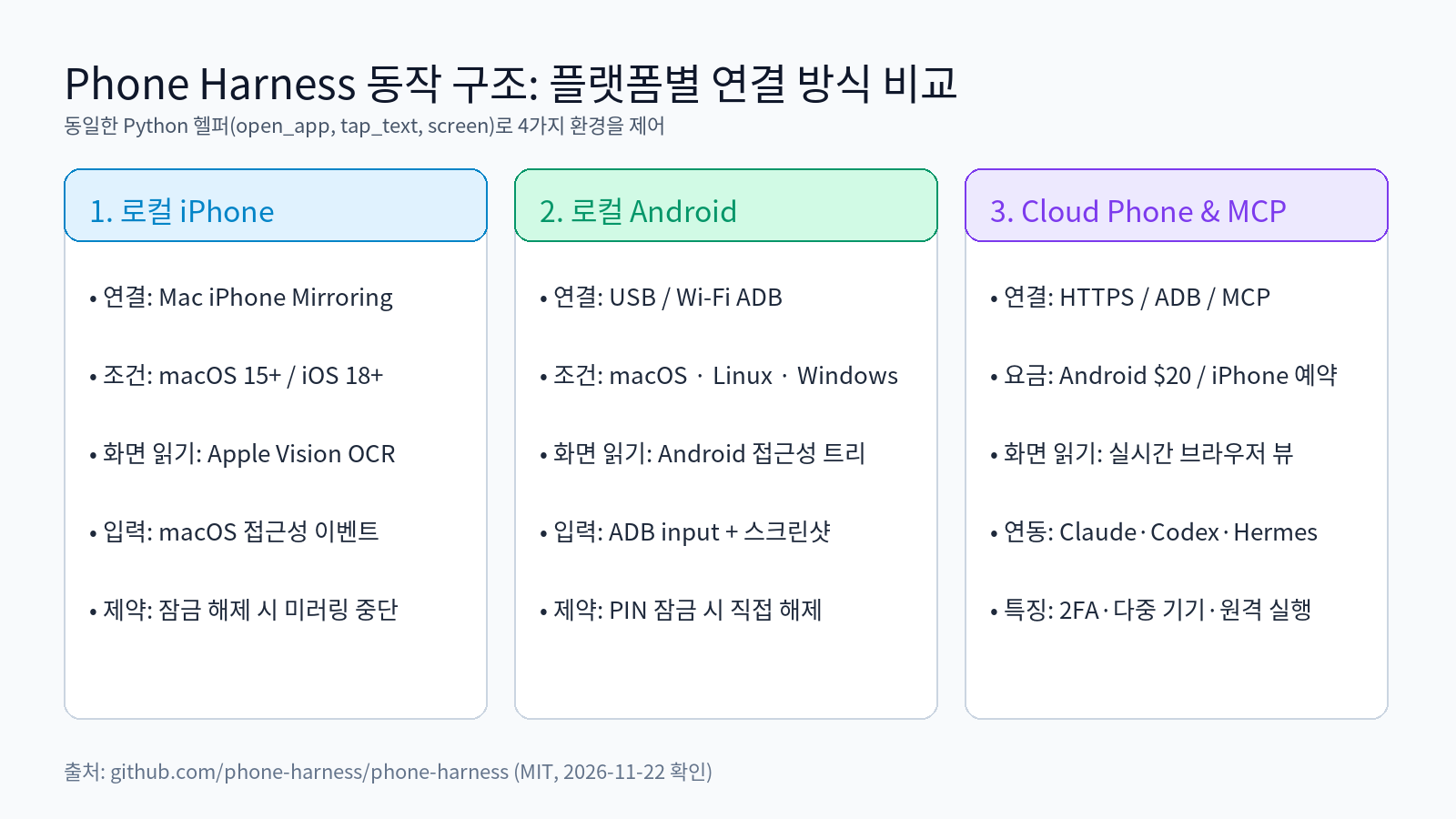
Q. How does it read and tap the screen with nothing installed on the phone? On iPhone, it captures the macOS 15+ iPhone Mirroring window, extracts text with Apple Vision OCR, and dispatches macOS accessibility input events. On Android, it reads the accessibility tree and screenshots over USB or Wi-Fi ADB.
Platform Requirements and How Each Mode Works
Because every phone target sits behind the same Python helpers (helpers.py), scripts written for one device transfer cleanly to others.
| Target | Requirements | Screen Reading | Input Delivery | Key Limitation |
|---|---|---|---|---|
| Local iPhone | macOS 15+, iOS 18+, iPhone Mirroring paired, Accessibility & Screen Recording permissions | Apple Vision OCR | macOS input events | Unlocking iPhone pauses mirroring |
| Local Android | macOS, Linux, or Windows; ADB + USB debugging | Accessibility tree + screenshot | USB/Wi-Fi ADB input | PIN-locked devices require user unlock |
| Cloud Android | Phone Harness Cloud account + ADB ($20 plan) | Accessibility tree + live browser view | Hosted ADB | Ephemeral or saved device per session |
| Cloud iPhone | Phone Harness Cloud reservation ($20 refundable deposit + monthly/annual plan) | Live browser view | HTTPS remote ops | Queue-based provisioning |
Starting with release 0.3.3, Phone Harness also offers a hosted MCP endpoint (https://mcp.phone-harness.com/mcp), allowing MCP-compatible clients to drive cloud Android and iPhone instances directly. (Per the official README, this MCP endpoint currently targets cloud devices only.)
Setup and Coding Agent Integration
You can install Phone Harness using uv with Python 3.12 and let your coding agent walk through onboarding.
- Install CLI and skill: Install
phone-harnessviauvand register its skill withphone-harness skill. - Verify environment: Run
phone-harness doctorto validate macOS permissions or ADB connectivity. - Run agent workflows: Claude Code or Codex CLI stores reusable helper scripts under
~/.phone-harness/agent-workspacewhile executing tasks.
phone-harness <<'PY'
open_app("Notes")
tap_text("New Note")
type_text("hello from the harness")
print([o["text"] for o in screen()][:10])
PY
When pairing mobile UI testing with local codebase intelligence, combining it with tools covered in our CodeGraph MCP guide or AFFiNE local-first workspace review helps tighten the end-to-end QA loop.
Limits and Security Considerations
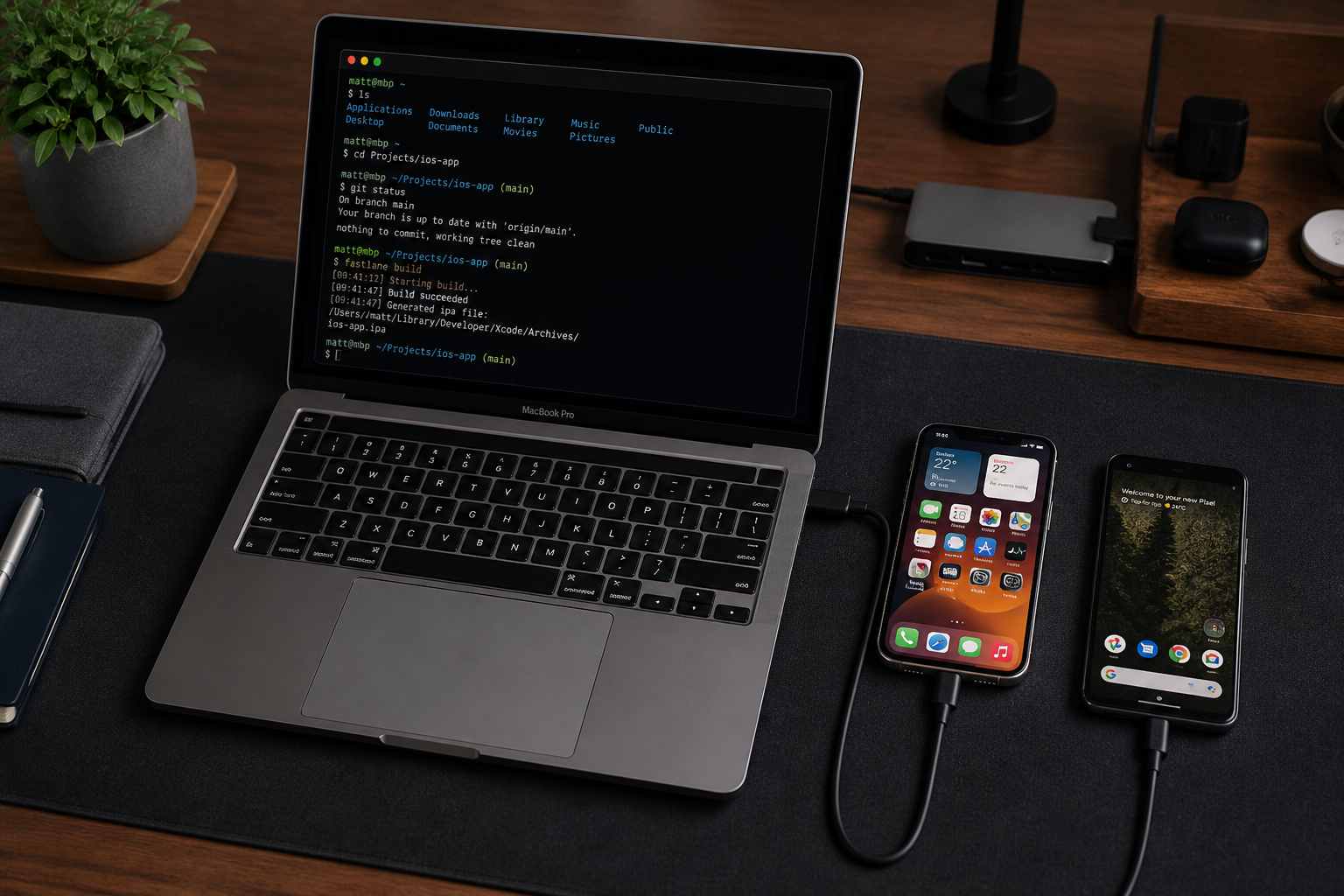
Giving an AI agent control over a real phone introduces real-world risks that require clear operational guardrails.
- OCR blind spots: Apple Vision OCR reads text, not unlabeled icons. Unlabeled controls require sending a screenshot to a vision-capable model.
- Unsupported hardware flows: Multi-touch gestures, camera capture, and Face ID prompts are not supported, and DRM-protected streams render black.
- Device isolation: Avoid connecting a personal primary phone loaded with banking or messaging apps to autonomous runs. Start with a dedicated test device or an isolated Phone Harness Cloud Android session.
Toris's take
For solo developers and small teams automating mobile QA or app-only workflows, Phone Harness is one of the most practical open-source harnesses available today. Start with a dedicated test Android device or a sandboxed cloud session before ever granting access to a personal phone. For custom automation consulting, see Toris Services.
Sources
Advertisement