MarkItDown Guide: Convert PDFs & Office Docs to Markdown + MCP
How to use Microsoft's open-source MarkItDown for LLM-ready Markdown conversion, OCR plugins, markitdown-mcp setup, and secure deployment.
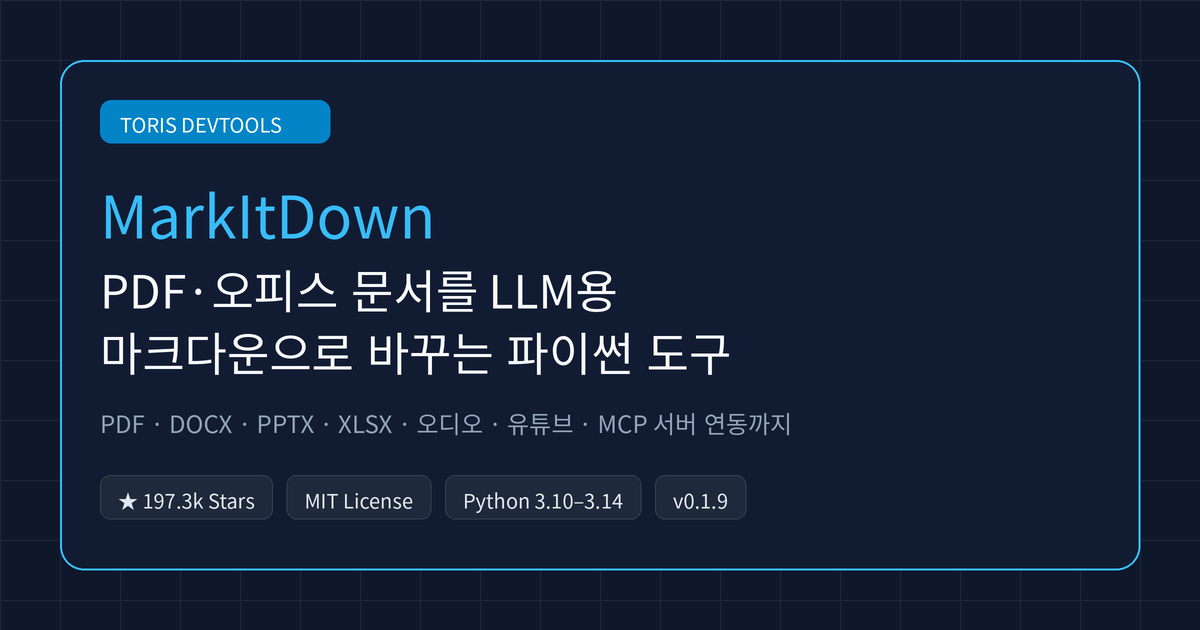
Q. Why convert PDF, PowerPoint, and Excel files to Markdown before feeding them to an AI agent? Modern LLMs such as GPT-4o are trained on vast amounts of Markdown and understand headings, lists, and tables natively. Microsoft's open-source
MarkItDownconverts office documents and PDFs into token-efficient Markdown so RAG and agent pipelines can parse structure accurately.
⚠️ Accuracy guardrail: This guide was written on November 21, 2026 based on the official
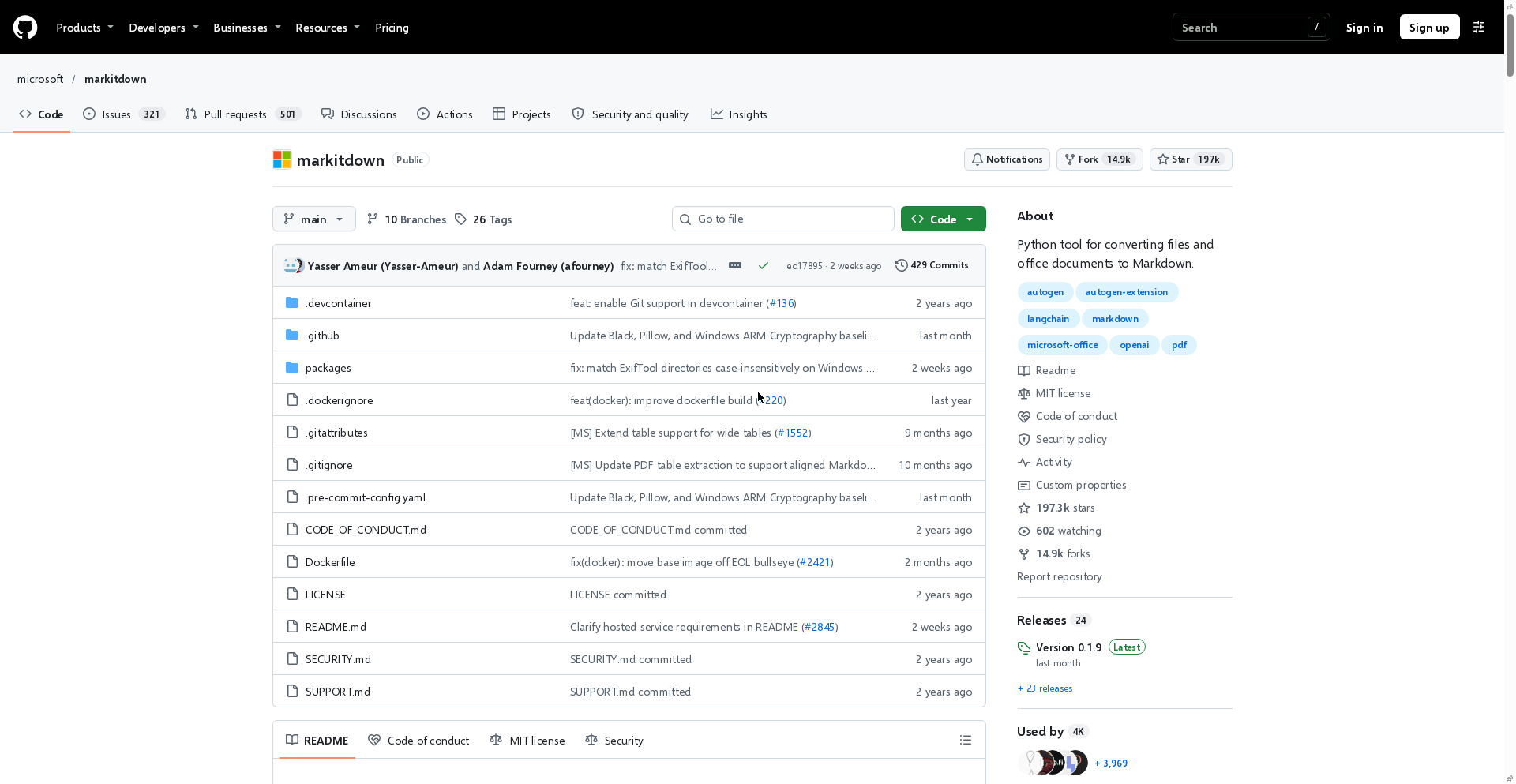
microsoft/markitdownGitHub repository (API and README) and thev0.1.9release notes (published October 21, 2026). Star/fork counts and supported extras may change in future releases, and cloud features such as Azure Document Intelligence, Azure Content Understanding, image captioning, and speech transcription are subject to separate service pricing.
30-second summary
- Massive adoption: An MIT-licensed Python utility maintained by Microsoft, with 197,251 GitHub stars, 14,935 forks, and latest release
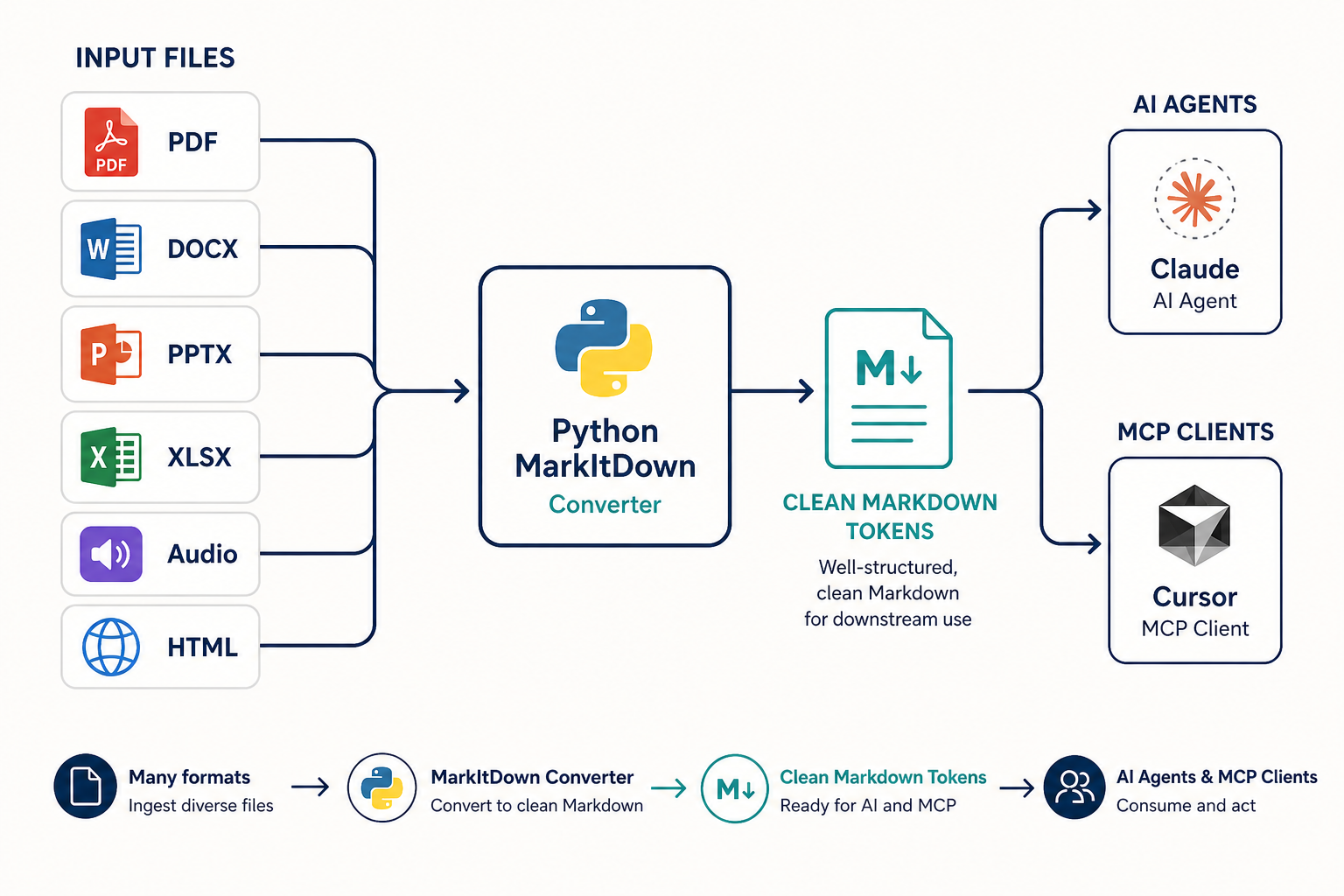
v0.1.9as of November 21, 2026. - Broad format support: Handles PDF, PowerPoint, Word, Excel, HTML, CSV, JSON, XML, ZIP archives, EPub, image EXIF/captioning, audio transcription, and YouTube transcript URLs.
- Lightweight local core: Built-in converters run locally without cloud billing, and optional extras like
[pdf, docx, pptx]let you install only what you need. - MCP and OCR extensions: Pair
markitdown-mcpwith Claude Desktop or Cursor to exposeconvert_to_markdown(uri), and enablemarkitdown-ocrto extract text from embedded images via LLM Vision.
Why MarkItDown instead of plain text extraction
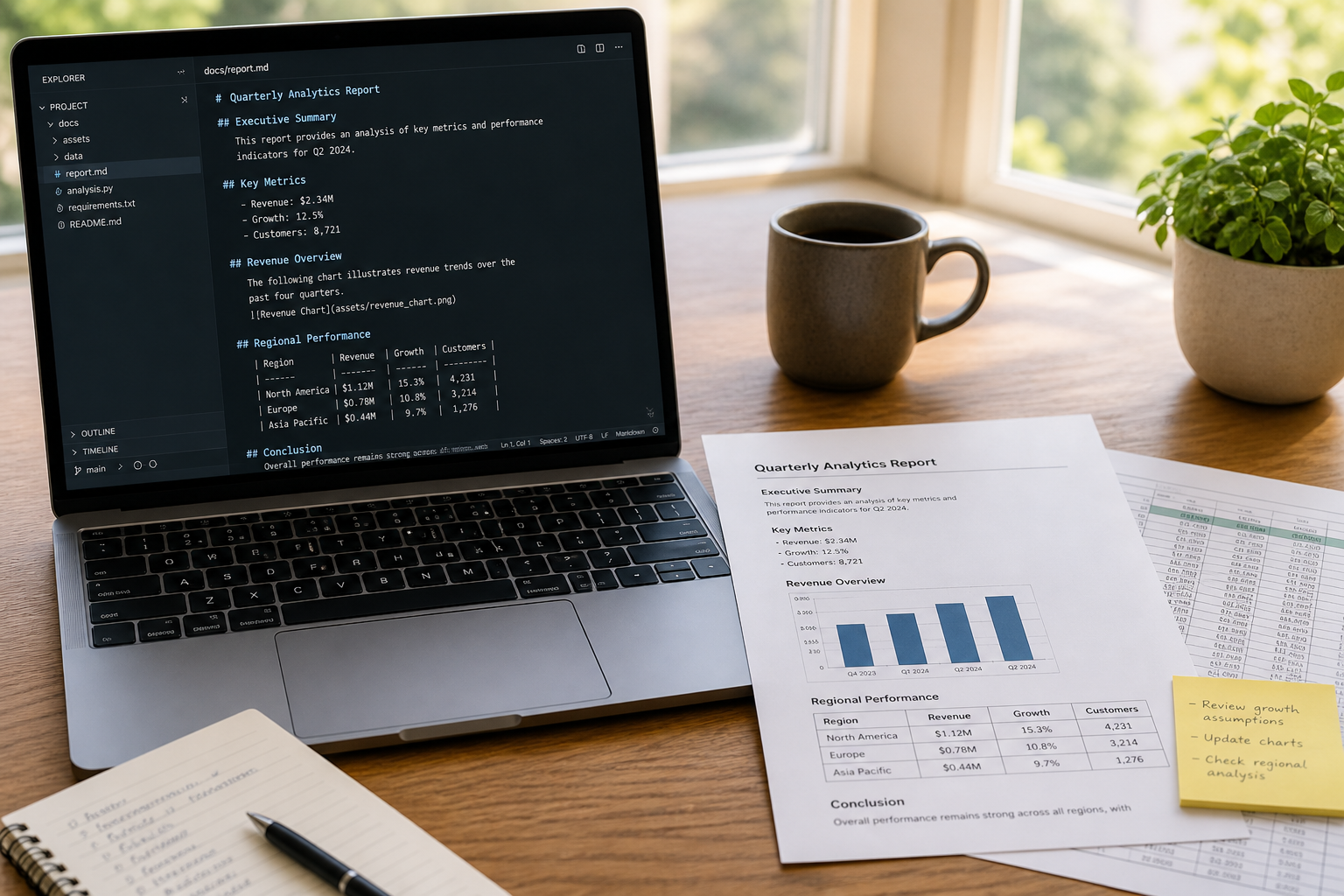
The biggest loss when extracting text for LLMs is broken tables and flattened heading hierarchy. While older tools like textract dump raw text streams, MarkItDown preserves headings (#), lists (-), tables (|), and links ([text](url)) as structured Markdown.
Its output is designed for text analysis pipelines rather than high-fidelity human print layouts, keeping token consumption compact. If Firecrawl & Firecrawl Local handles crawling live websites into Markdown, MarkItDown fills the other half of the workflow for PDFs and office documents already sitting on your disk.
Installation and modular optional dependencies
On Python 3.10 through 3.14, you can set up a virtual environment and install everything in one command. Use [all] for full coverage or specify only the formats your pipeline needs.
python -m venv .venv
source .venv/bin/activate
pip install 'markitdown[all]'
Common optional dependency groups include:
| Extra option | Enabled capability | Notes |
|---|---|---|
[all] |
All optional dependencies | Quickest for local testing |
[pdf, docx, pptx] |
PDF, Word, PowerPoint | Core document RAG stack |
[xlsx, xls] |
Modern and legacy Excel | Spreadsheet table extraction |
[outlook] |
Outlook .msg files |
Internal email archives |
[audio-transcription] |
.wav and .mp3 transcription |
Relies on hosted service |
[youtube-transcription] |
YouTube transcript fetching | Accepts YouTube URLs |
[az-doc-intel] / [az-content-understanding] |
Azure layout & multimodal extraction | Billable Azure API calls |
The CLI supports output redirection (>), -o, and standard input piping (|).
markitdown report.pdf -o report.md
cat report.pdf | markitdown
Python API, OCR plugin, and Azure integration
In Python, converting a file takes two lines via MarkItDown().convert(). For image files or PowerPoint slides, you can pass an OpenAI-compatible llm_client and llm_model to generate visual descriptions.
from markitdown import MarkItDown

md = MarkItDown(enable_plugins=False)
result = md.convert("quarterly_plan.xlsx")
print(result.markdown)
For scanned PDFs or image-heavy documents, the third-party markitdown-ocr plugin adds LLM-based OCR across PDF, DOCX, PPTX, and XLSX converters. Because plugins are disabled by default for safety, you must explicitly pass --use-plugins in the CLI or enable_plugins=True in Python alongside llm_client.
When local parsers fall short on complex multi-column tables or when you need structured YAML front matter and video/audio analysis, MarkItDown can route requests to Azure Document Intelligence (-d / --use-docintel) or Azure Content Understanding (--use-cu).
| Capability | Built-in converters | Azure Document Intelligence | Azure Content Understanding |
|---|---|---|---|
| Conversion engine | Offline format-specific parsers | Cloud layout extraction | Cloud multimodal extraction |
| Structured fields | Not available | YAML front matter from model/query fields | YAML front matter from analyzer fields |
| Audio & video | Basic audio only, no video | Not supported | Audio and video analyzers |
| Cost | Local compute (free) | Billable Azure API calls | Billable Azure API calls |
Connecting Claude Desktop and Cursor with markitdown-mcp
To let AI coding agents convert files and URLs on demand, use the markitdown-mcp package. It supports STDIO, Streamable HTTP, and SSE transports and exposes a single convert_to_markdown(uri) tool accepting http:, https:, file:, and data: URIs.
pip install markitdown-mcp
# Default STDIO mode
markitdown-mcp
# Streamable HTTP / SSE on localhost
markitdown-mcp --http --host 127.0.0.1 --port 3001
For Claude Desktop, the official documentation recommends running markitdown-mcp inside Docker and mounting only the directory you want the agent to access (/workdir).
{
  "mcpServers": {
    "markitdown": {
      "command": "docker",
      "args": [
        "run", "--rm", "-i",
        "-v", "/home/user/data:/workdir",
        "markitdown-mcp:latest"
      ]
    }
  }
}
Security considerations: narrow the I/O surface
Q. Is it safe to expose
convert()ormarkitdown-mcpdirectly on a public web server? No. MarkItDown executes I/O with the privileges of the host process, andmarkitdown-mcpprovides no built-in authentication.
The official security guidance recommends calling the narrowest conversion method for your use case. If your service only handles local files, call convert_local() instead of the permissive convert(). For remote URLs in server-side apps, fetch and validate targets yourself—blocking private, loopback, link-local, and cloud metadata IPs—and pass the result to convert_response() or convert_stream(). Keep in mind that image captioning and audio transcription rely on web-hosted services, so omit those extras in strict offline environments.
Toris's take
If your bottleneck is turning PDFs, slide decks, and spreadsheets into clean LLM context, MarkItDown is an easy day-one win. Running markitdown-mcp inside a scoped Docker container for Claude Desktop or Cursor immediately eliminates manual copy-pasting and token bloat.
On the other hand, if you need JavaScript-rendered web scraping or full-site mapping, Firecrawl Local is a better fit. Combining both gives your agents a clean Markdown ingestion layer for both web and local documents. For automation or engineering inquiries, visit Toris Services.
Sources
Advertisement